Plants vs Zombies Fusion APK: What to Know Before You Download

Plants vs Zombies Fusion is a fan-made PvZ variant built around hybrid plants, combined abilities, and experimental levels. This guide explains the APK search intent clearly: what the Fusion version is, how Android APK downloads differ from official PvZ releases, which version checks matter, and when a PC option is safer than a random mobile installer.

Xuper TV APK Logo

PvZ Fusion APK Guide

Fan-made Fusion Variant Varies by build May 2026
Compare with Official PvZ Android See Official PvZ Replanted PC

Informational guide only - verify any APK before installing

Topic
Plants vs Zombies Fusion APK
Intent
APK safety, versions, PC options
Status
Fan-made, not an EA release
Official Alternative
PvZ Android or PvZ Replanted
Best For
Players comparing Fusion builds
Risk Level
Depends on source and file checks
Primary Device
Android, with PC/emulator searches
Last Reviewed
May 2026
Plants vs Zombies Fusion APK guide showing hybrid plant combinations and safety checks

How to Evaluate a PvZ Fusion APK

Step 1

Confirm You Really Want Fusion, Not the Official Game

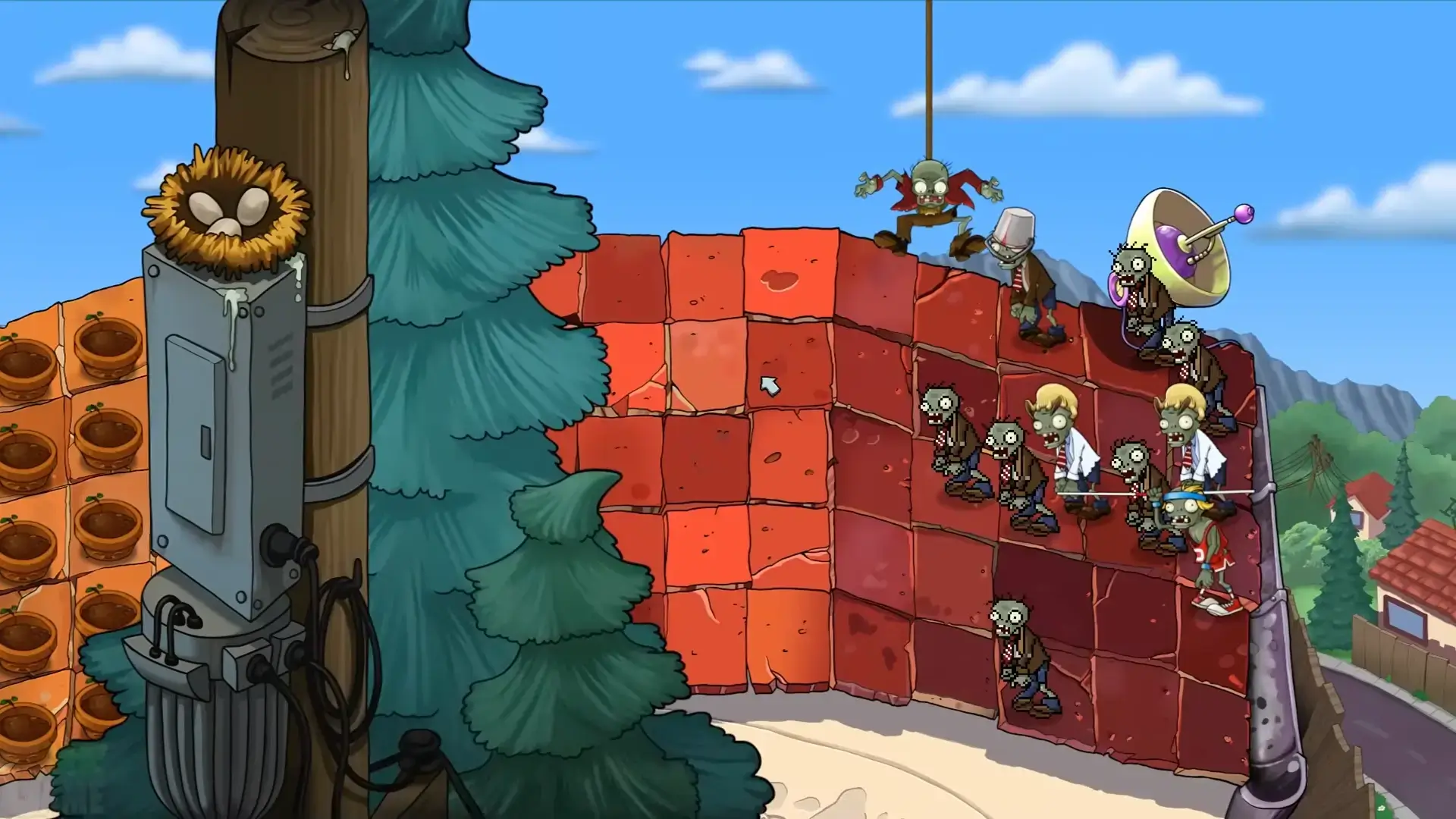
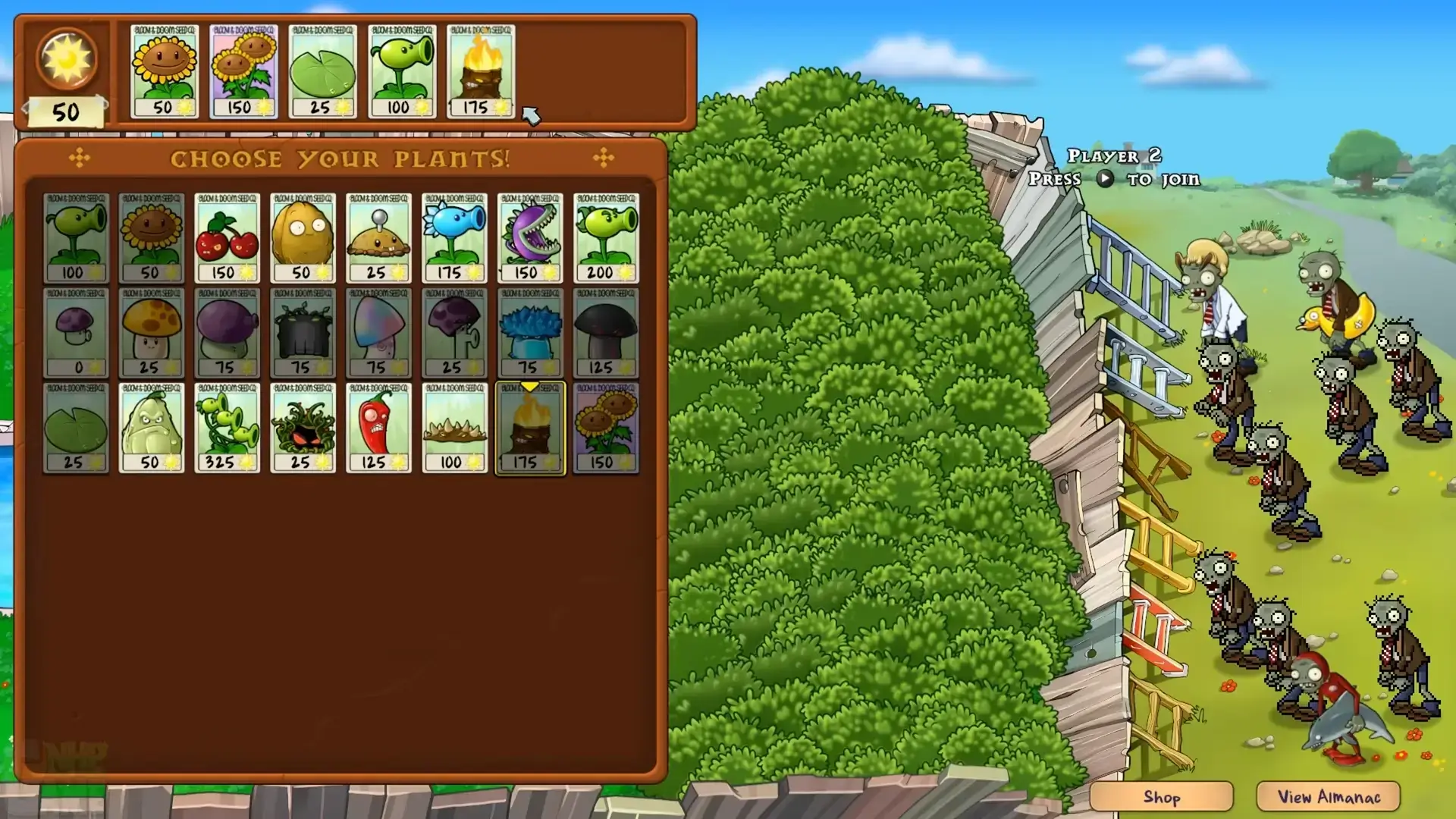
Searches for plants vs zombies fusion apk often mix three different needs: the official Android game, the official PC remaster called Plants vs Zombies Replanted, and fan-made Fusion builds. Fusion pages usually promise hybrid plants, altered levels, new zombie behavior, or custom menus. If you only want the classic EA game, use the official Android or PC route instead of a fan-made APK.
Step 2

Check the Version Notes Before Downloading

Do not rely only on a title such as latest version or ultima version. Look for a changelog, release date, file size, Android requirement, language notes, and screenshots that match the claimed build. If a page cannot explain what changed in the build, treat it as unverified. Version labels for fan games can vary by community, so compare the APK details against multiple trusted community references before installing.

Step 3

Scan the APK and Avoid Permission Red Flags

Before installing any APK outside Google Play, scan the file with a reputable antivirus tool, keep Google Play Protect enabled, and review requested permissions. A tower defense game should not need SMS, contacts, accessibility control, device administrator access, or notification spam permissions. If the installer asks for unrelated permissions or a second app store, cancel the installation.

Step 4

Use a Separate Device or Emulator for Testing

If you still want to test PvZ Fusion, use a spare Android device or a clean emulator profile instead of your main phone. Keep personal accounts, payment apps, and private files away from experimental APKs. On PC, emulator testing also makes it easier to remove the app, compare builds, and take screenshots without exposing your daily device.

What Is Plants vs Zombies Fusion APK?

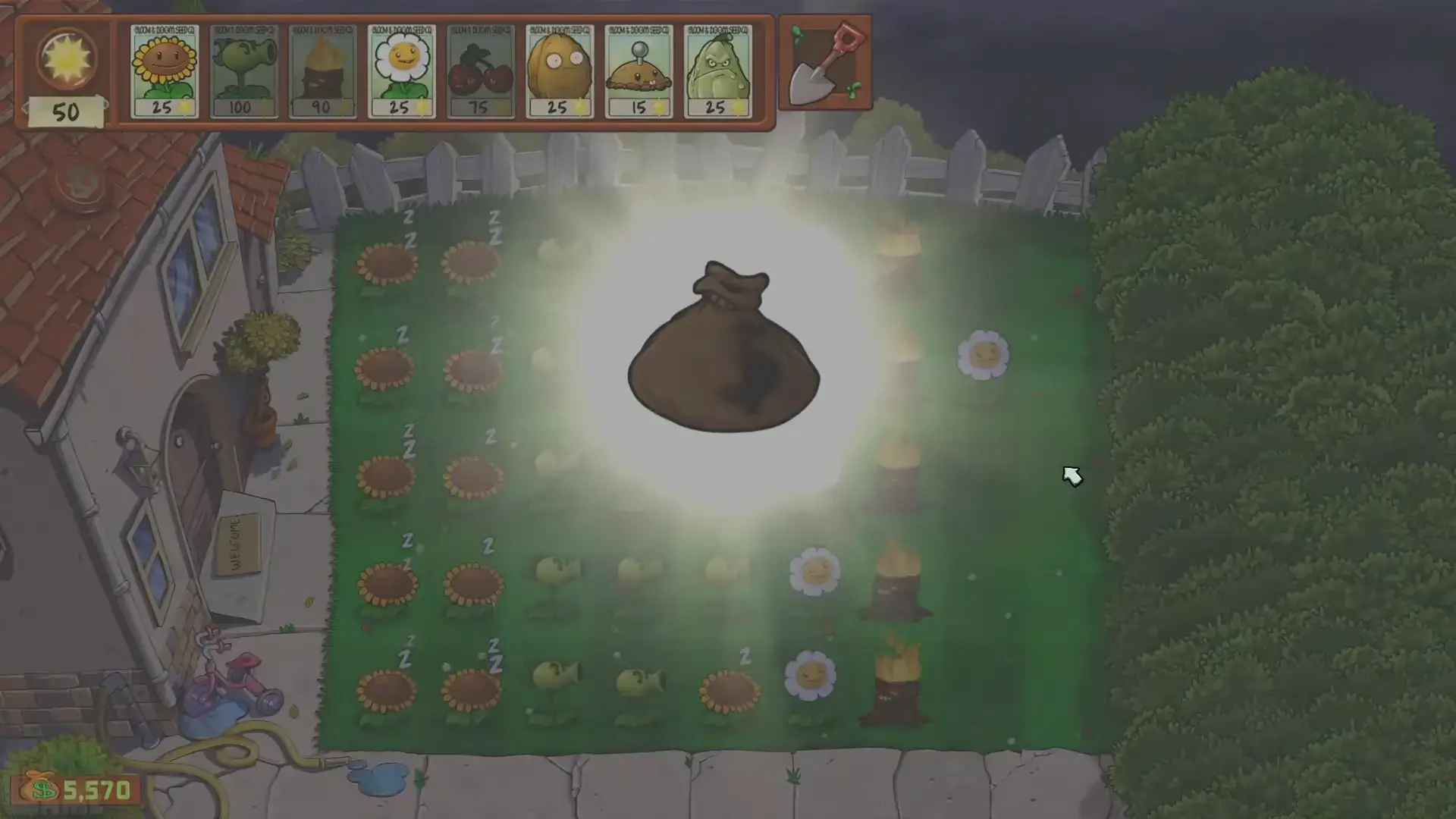
Plants vs Zombies Fusion APK usually refers to fan-made Android builds inspired by the original Plants vs Zombies formula, but with fusion mechanics that combine plant abilities. Players search for it because they want combinations such as offensive plants mixed with defensive plants, faster progression, experimental challenge stages, or community-made balance changes. This is different from the official Plants vs Zombies Android app and different from Plants vs Zombies Replanted on PC. Because Fusion is not an official EA release, the most important question is not only where to download it, but whether the file source, permissions, version notes, and device setup are safe enough for testing.

Plants vs Zombies Fusion APK concept with fused plant abilities

Fusion APK vs Official PvZ Android vs Replanted PC

The official PvZ Android release is the safest choice for players who want classic lane defense on a phone or tablet, with updates delivered through Google Play. Plants vs Zombies Replanted is the official modern PC route, focused on HD visuals, PC controls, and store-managed installation. PvZ Fusion APK is a separate fan-made search path for players who want modified mechanics and community experiments. That distinction matters for SEO and for users: the homepage of this site remains the best target for official Android download intent, the PC page remains the best target for Replanted system requirements and store downloads, and this Fusion page answers the separate question of how to evaluate fan-made APK builds safely.

Classic Plants vs Zombies gameplay compared with Fusion APK searches

What Version Details Should You Verify?

A trustworthy PvZ Fusion download page should show the build name, release date, APK size, Android version requirement, supported languages, feature notes, and known bugs. It should also describe whether the build is for Android only, PC emulator use, or a separate Windows package. Be careful with pages that repeat the same generic claim across every version, such as unlimited everything, no ads, all plants unlocked, and latest update, without a changelog. For long-tail searches such as pvz fusion apk, pvz fusion download, plants vs zombies fusion pc, and pvz fusion ultima version, the safest answer is to verify the build first, then decide whether it belongs on your phone, emulator, or not at all.

PvZ Fusion APK version checklist with Android requirements and changelog notes

Safe APK Installation Checklist

Use a practical checklist before installing any unofficial APK. First, download only from a source that shows version history and community feedback. Second, scan the file and avoid installers that bundle extra apps. Third, review Android permissions before first launch. Fourth, keep the first test on a spare profile, emulator, or secondary device. Fifth, back up saves before replacing an older build. Sixth, remove the APK if it requests unrelated permissions, opens suspicious browser pages, or behaves differently from the screenshots. These steps do not make every third-party file safe, but they reduce common risks for players experimenting with fan-made PvZ builds.

Android APK safety checklist for Plants vs Zombies Fusion

When a PC or Official Store Option Is Better

Choose the official Android game if you want a stable mobile version and easy updates. Choose Plants vs Zombies Replanted if you want a PC version with store-managed files, easier uninstall, cloud or launcher features, and lower APK risk. Choose a Fusion APK only if your goal is specifically to test fan-made fusion mechanics and you accept the extra responsibility of checking the file. For many players, an emulator is the middle ground: it lets you try Android builds on PC while keeping the experiment away from your main phone. If the build is unstable, you can reset the emulator profile without affecting your personal device.

PC and emulator options for testing PvZ Fusion APK safely

Plants vs Zombies Fusion APK FAQ

Is Plants vs Zombies Fusion APK official?

No. PvZ Fusion APK is generally discussed as a fan-made or modified variant, not an official EA release. Use the official Android game or Plants vs Zombies Replanted if you want official store support.

Is PvZ Fusion APK safe to install?

Safety depends on the file source, permissions, and device setup. Scan the APK, avoid unrelated permissions, keep Play Protect enabled, and test on a spare device or emulator when possible.

What is the difference between PvZ Fusion APK and PvZ Replanted?

PvZ Fusion APK targets fan-made fusion mechanics and Android APK searches. PvZ Replanted is the official HD remaster for PC and consoles, distributed through official stores.

Can I play Plants vs Zombies Fusion on PC?

Many users search for PC options because Android APKs can be tested through an emulator. If you want an official PC game instead, use Plants vs Zombies Replanted through Steam, EA App, or another official store.

What should I check before downloading the latest PvZ Fusion version?

Check the build date, changelog, APK size, Android requirement, screenshots, permissions, and community feedback. Avoid pages that claim a latest version but provide no release notes.