Use a verified PC storefront
Open Steam, EA App, or Epic Games Store and search for Plants vs Zombies Replanted. A verified storefront keeps the license, patches, refund path, and file verification in one place.
Plants vs Zombies Replanted is the official HD return of the classic lane-defense game, released on October 23, 2025 for PC and consoles. Use this page to choose Steam, EA App, or Epic Games Store, confirm Windows requirements, understand EA account and offline-play expectations, and avoid risky “full version”, “pre-installed”, or “highly compressed” downloads.

Official store download only - Steam, EA App, and Epic Games Store
Open Steam, EA App, or Epic Games Store and search for Plants vs Zombies Replanted. A verified storefront keeps the license, patches, refund path, and file verification in one place.
The practical PC target is Windows 10 64-bit or later with DirectX 11 support and about 4 GB of storage. If you searched for a Windows 7 download, treat that as unsupported for Replanted and use a supported Windows 10/11 PC instead.
After purchase or claim, install the game from your launcher library. The launcher handles resume, updates, cloud features, and file verification, which is safer than repacked archives.
Launch the game online after installation so the store can finish activation and updates. Offline play depends on your launcher settings; cloud saves and patches require reconnecting.
The page now targets the broader Replanted search cluster, not only “PC download”. The stable facts are the official release date, supported PC storefronts, Windows 10/11 expectation, DirectX 11 support, and roughly 4 GB storage footprint. This helps users who search “pvz replanted pc”, “plants vs zombies replanted download”, or “system requirements” decide whether the official PC release matches their machine before they chase an unofficial installer.
| Detail | Current guidance |
|---|---|
| Release status | Official EA / PopCap HD release |
| Release date | October 23, 2025 |
| PC storefronts | Steam, EA App, Epic Games Store |
| Operating system | Windows 10 64-bit or later |
| Storage | About 4 GB available space |
GSC shows this page already receives impressions from “full version”, “pre-installed”, “highly compressed”, and Windows 7 phrases. Those searches are useful to answer, but they should not become the page’s main promise. The safe guidance is clear: a full version is legitimate when it comes from a store tied to your account; a pre-installed archive or compressed mirror may skip verification, miss updates, break saves, or bundle unwanted files. If bandwidth is the concern, use the launcher’s pause, resume, backup, and verify tools.
| Query | Page treatment |
|---|---|
| Search phrase | Best action on this page |
| full version | Explain official ownership and verified files |
| pre-installed | Warn about unsupported archives |
| highly compressed | Recommend launcher resume/verify tools |
| Windows 7 | Clarify unsupported requirement gap |
Similarweb question data includes whether Replanted needs an EA account and whether PC supports two-player play. The safest answer is store-specific: buy or install through the launcher you use, expect account sign-in during setup, start online once, and then use the launcher’s own offline mode when supported. Choose Steam if your library and achievements live there, EA App if you prefer EA’s ecosystem, or Epic if that is where you manage PC games.
| Topic | Guidance |
|---|---|
| Question | Short answer |
| EA account | Expect account or store sign-in during setup |
| Offline play | Start online first, then use launcher offline mode |
| 2-player on PC | Check the store page for current local co-op/PvP support |
| Best store | Use the launcher where you manage purchases |
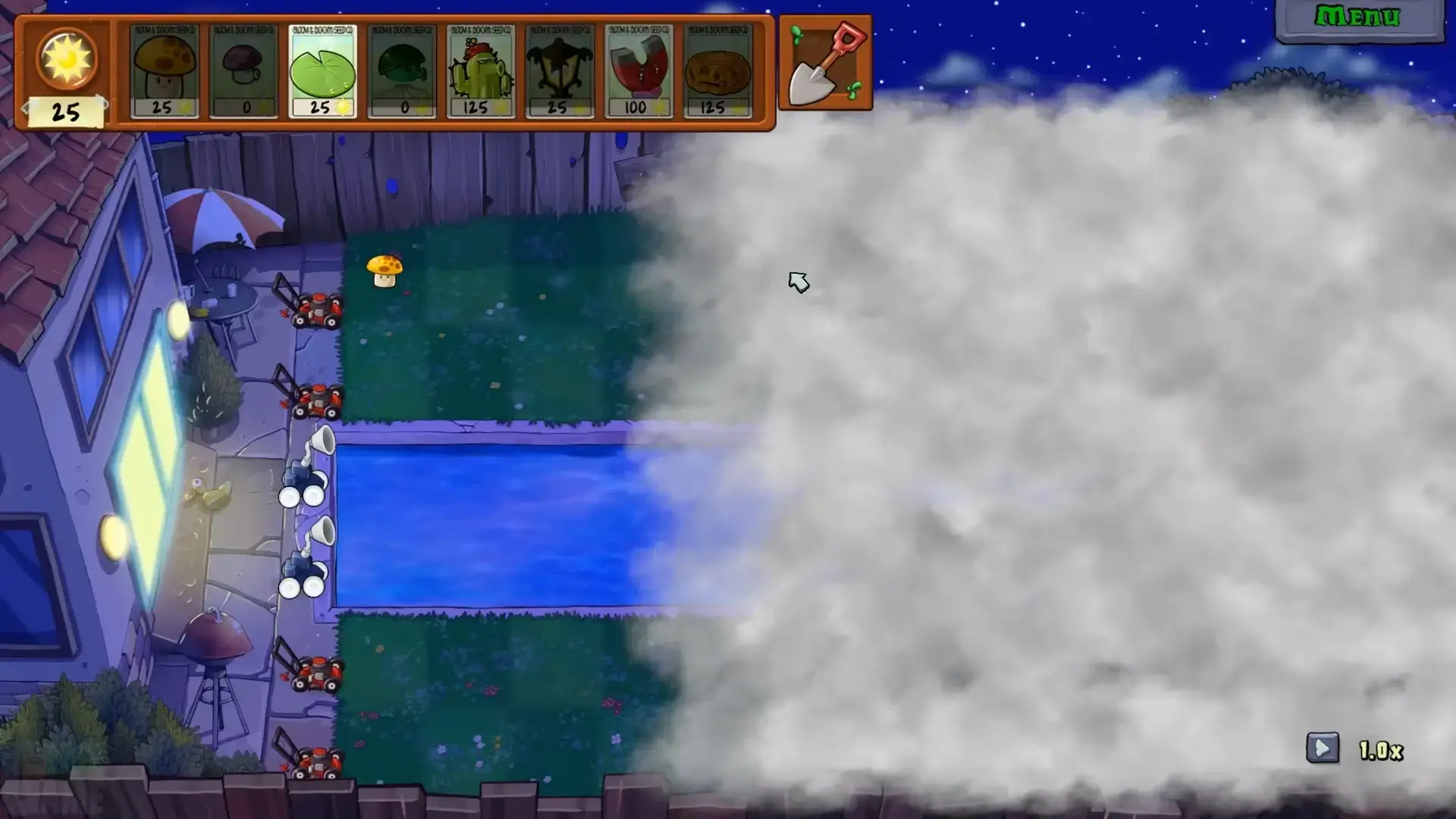
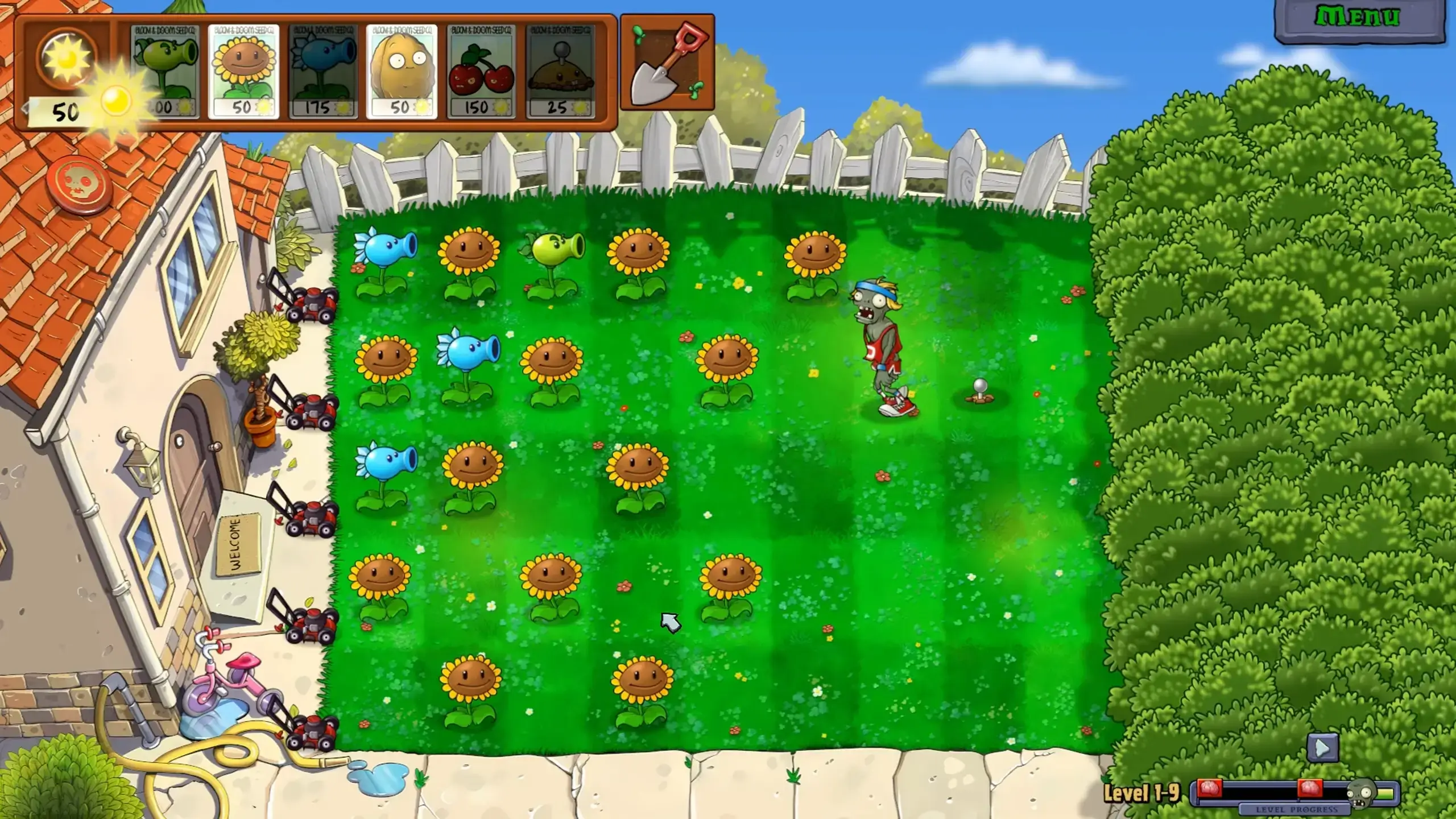
Plants vs Zombies Replanted brings the original lane-based tower defense game back with HD visuals, added bonus levels, local co-op, local PvP, minigames, and new challenge modes such as Cloudy Day and Rest in Peace. On PC, the bigger screen and mouse input make plant placement easier to read than on mobile. Store features such as achievements, cloud saves, family sharing, automatic updates, and file verification depend on the platform you choose, but they are major reasons to use an official PC store.
Install your preferred launcher first, then search for 'Plants vs Zombies Replanted' in the store. On Steam, the page lists the release date, current price, reviews, system requirements, supported languages, achievements, and cloud save support. On EA's official page, you can choose EA App, Steam, Epic Games Store, PlayStation, Xbox, or Nintendo platforms. For PC users, complete the purchase through the official store, download the 4 GB package, let the launcher install the game, and use the launcher library to keep the game updated.
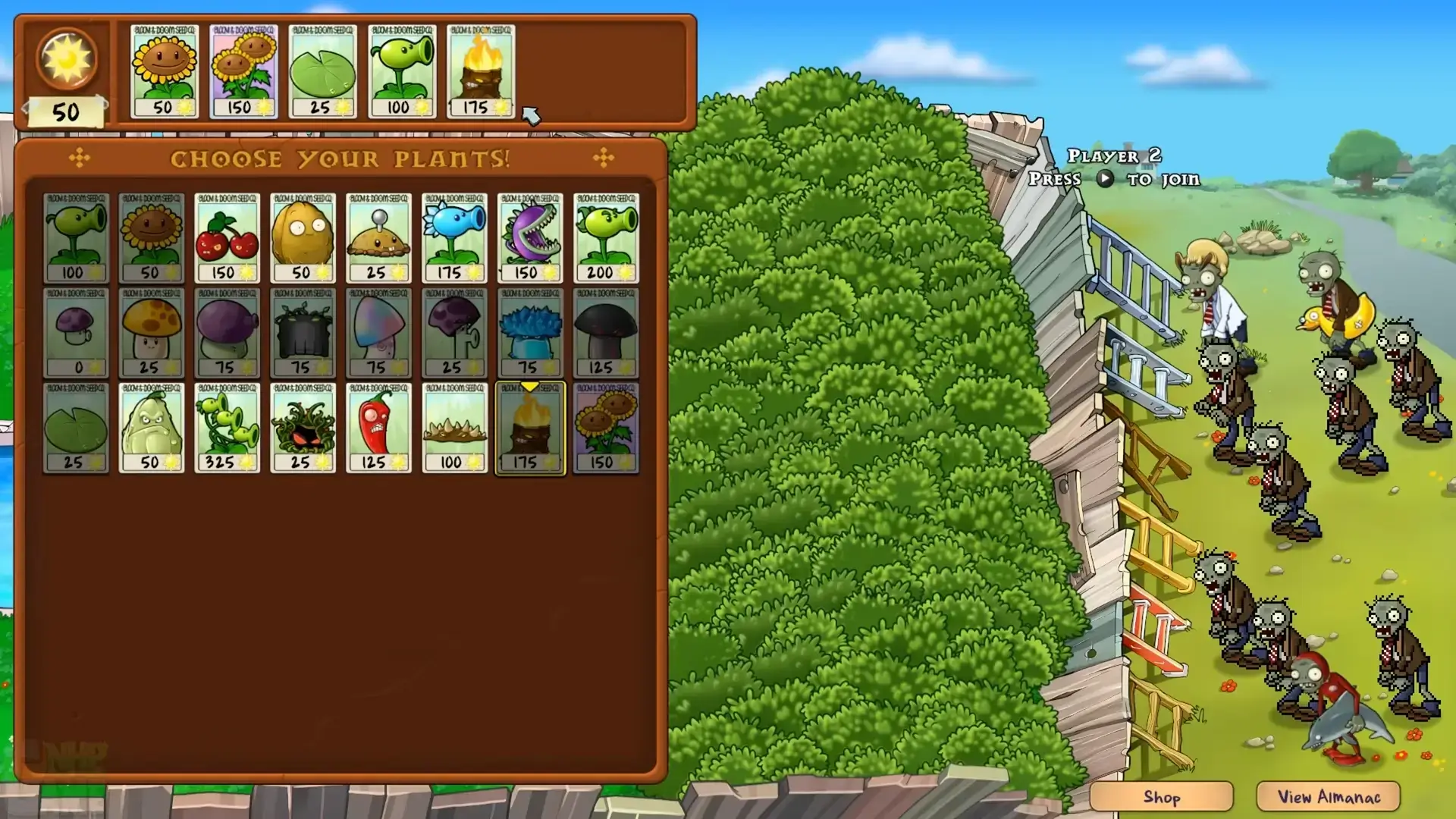
Replanted keeps the familiar plants, zombies, backyard lanes, Adventure structure, Puzzle mode, Survival mode, and minigames, then adds HD presentation and new challenge content. EA's official page highlights local co-op, local PvP, bonus levels, Cloudy Day, and Rest in Peace as reasons to revisit the game. That makes this PC version a better match for players who want the classic game in a modern package instead of an Android APK or emulator setup.
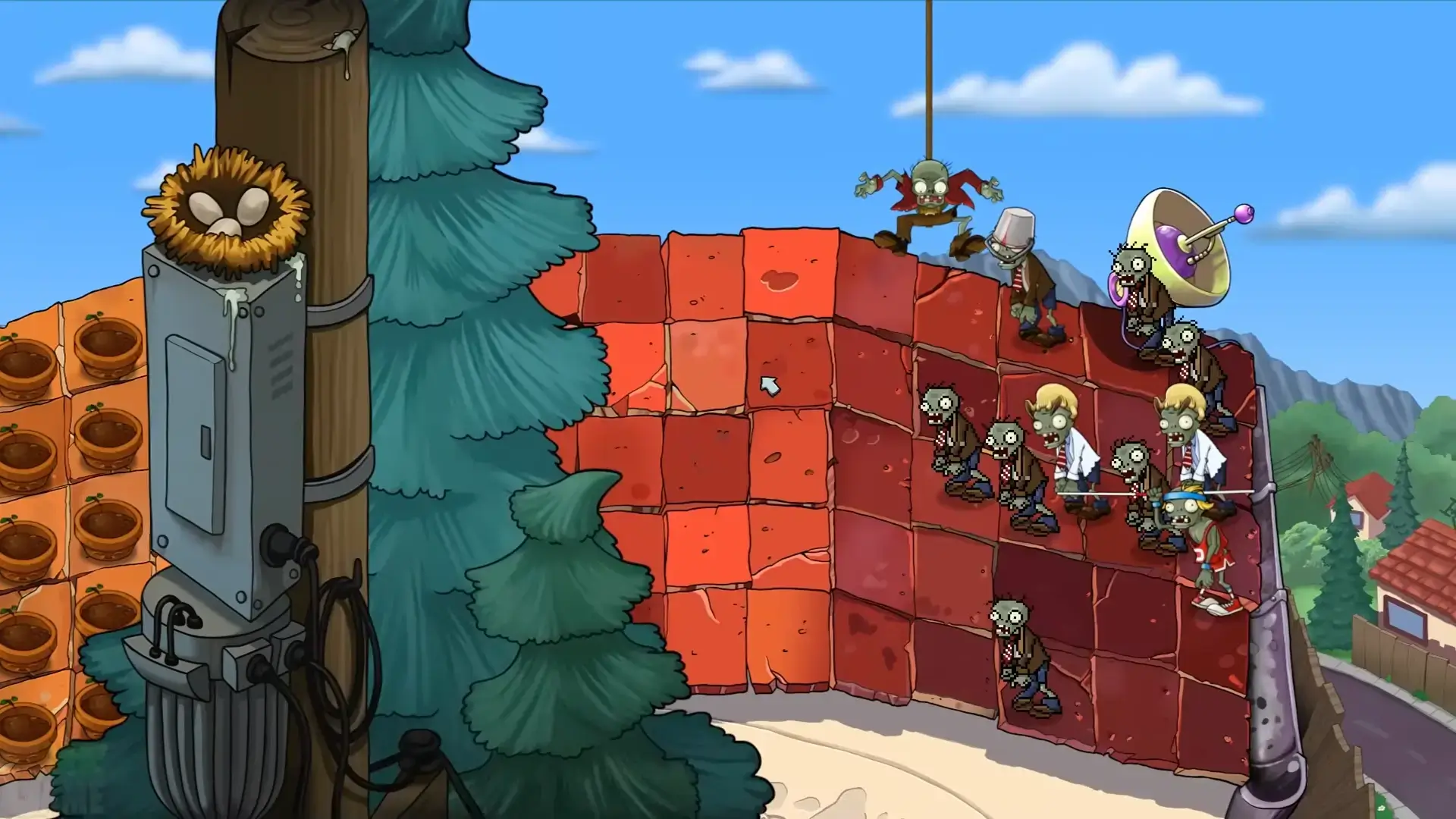
If the game will not download, restart the launcher, confirm that you have at least 4 GB of free storage, and check your internet connection. If the game crashes or opens to a black screen, update Windows, update your graphics driver, verify game files in the launcher, and confirm that your PC meets the Windows 10 64-bit and DirectX 11 requirements. If performance is low, close background apps, try windowed mode, and use a PC closer to the recommended 8 GB RAM and dedicated GPU spec. Save or cloud sync problems are usually tied to launcher login, offline mode, or cloud-save settings.
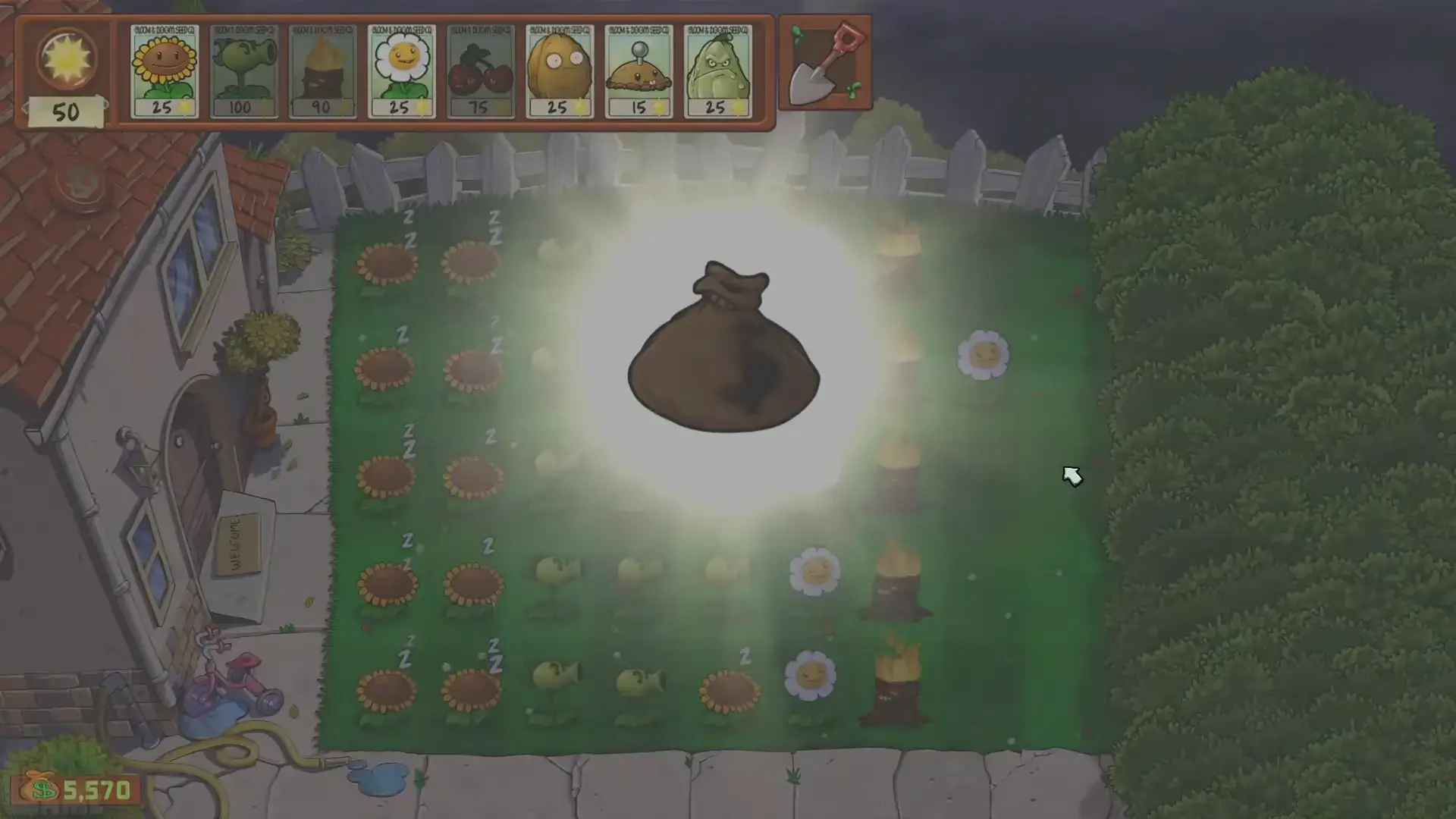
Plants vs Zombies Replanted is the official HD return of the original Plants vs Zombies for modern platforms. It is different from fan-made PvZ Fusion builds and different from Android APK mirrors.
The official release date is October 23, 2025. Use current store pages for price, sale, language, and feature changes because those details can change after release.
Open Steam, EA App, or Epic Games Store, search for Plants vs Zombies Replanted, complete the store action, then install from your library. Do not rely on third-party pre-installed archives.
Expect some form of account or store sign-in during setup, depending on the storefront. Start online once after installation so activation, updates, and cloud features can complete.
Offline play depends on launcher support. Install and launch online first, then switch to your store launcher’s offline mode when available. Updates and cloud saves require internet again.
This page does not recommend highly compressed third-party files. Official launchers can pause, resume, verify, and repair downloads without the risk of repacked archives.
Windows 7 is not the practical target for Replanted. Use a supported Windows 10 or Windows 11 PC that meets DirectX 11 and storage requirements.
No. Replanted is an official HD release. PvZ Fusion is a fan-made community topic, so use the Fusion wiki or APK safety guide for that separate intent.
Replanted adds HD presentation, bonus levels, local co-op, local PvP, new challenge modes such as Cloudy Day and Rest in Peace, and official modern storefront support while preserving the classic Plants vs Zombies defense formula.
Verify game files in your launcher, update Windows and your graphics driver, restart the launcher, check that your PC meets the Windows 10 64-bit and DirectX 11 requirements, and disable conflicting overlays if the game opens to a black screen. If the issue continues, use the support option for the store where you purchased the game.