PvZ Reflourished APK: Safe Download and Install Guide

PvZ Reflourished is a community-made Plants vs Zombies 2 mod with custom worlds, balance changes, and expanded progression. This guide explains what Android APK and OBB searches usually mean, how to verify a Reflourished source before installing, and when a PC emulator is safer than testing on your main phone.

Xuper TV APK Logo

PvZ Reflourished APK Guide

Community PvZ2 Mod APK + OBB varies by release June 2026
Compare Official PvZ Android See PvZ Fusion APK Safety Guide

Informational guide only - verify APK, OBB and permissions before installing

Topic
PvZ Reflourished APK
Primary Intent
Download checks and install steps
Project Type
Community Plants vs Zombies 2 mod
Typical Files
APK plus OBB data
Best Test Device
Spare phone or Android emulator
Official Alternative
Plants vs Zombies on Google Play
Related Guide
PvZ Fusion APK safety
Last Reviewed
June 23, 2026
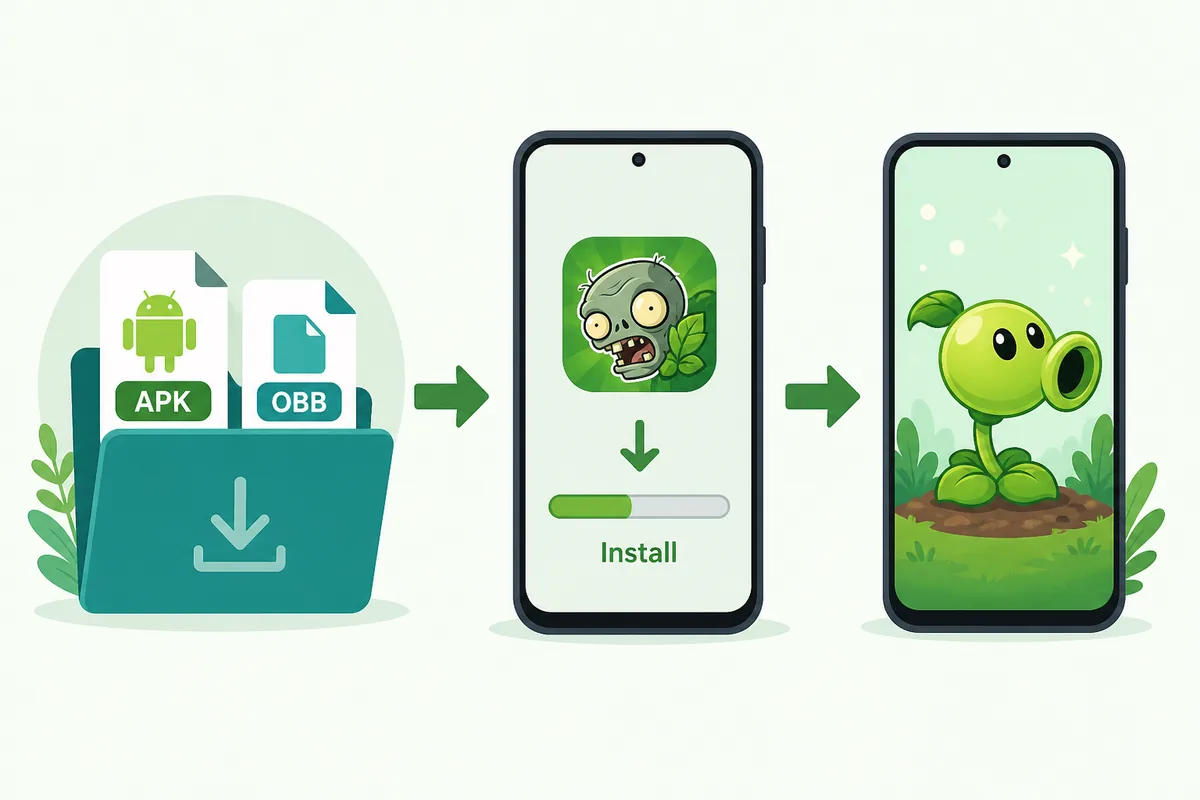
Illustration of the PvZ Reflourished APK and OBB install flow for Android

How to Approach a PvZ Reflourished APK Download

Step 1

Confirm You Mean Reflourished, Not PvZ Fusion

PvZ Reflourished and PvZ Fusion are different community projects. Reflourished usually refers to a Plants vs Zombies 2 overhaul with custom progression and extra content, while Fusion searches focus on hybrid plant mechanics. If your search is about combined plants, use the Fusion guide; if it is about a PvZ2-style APK plus OBB package, this page is the better fit.
Step 2

Look for APK and OBB Instructions Together

Many Reflourished installs require both an APK installer and an OBB data folder. A page that offers only a single APK with no data-file explanation may be incomplete or misleading. Check whether the instructions explain where the OBB folder belongs, how to keep the folder name unchanged, and what happens after the first launch.

Step 3

Verify the Source Before Installing

Use sources that show release notes, community feedback, installation details, and a clear project identity. Avoid mirror pages that only repeat terms such as unlimited gems, latest version, or mod menu without explaining the actual Reflourished build. Scan the APK, keep Play Protect enabled, and review permissions before first launch.

Step 4

Test on an Emulator or Spare Profile First

A PC Android emulator or secondary device is safer than installing an unofficial APK on your daily phone. It keeps personal accounts, payment apps, and private files separate while you check whether the game launches, the OBB path is correct, and the build behaves like the guide describes.

What Is PvZ Reflourished?

PvZ Reflourished is commonly described by the community as a Plants vs Zombies 2 mod rather than an official EA release. Searchers usually want a current Android package, PC testing instructions, or a quick answer to whether Reflourished is different from the classic PvZ APK. Treat it as a fan project, verify the source, and keep the official Google Play version separate when you want stable store-managed updates.

PvZ Reflourished APK install flow illustration with APK and OBB files

APK + OBB: The Detail Many Download Pages Skip

Reflourished searches often include APK, OBB, download, install, and PC because the install is more than tapping one file. The APK installs the Android package, while the OBB data normally carries larger game assets. If the OBB folder name changes, goes into the wrong Android directory, or is extracted twice into a nested folder, the game may open and then fail to load content.

Illustration explaining APK and OBB file roles for PvZ Reflourished

Watch an Install Walkthrough Before Moving Files

A short install video is useful for this topic because it shows the APK and OBB sequence visually: download, extract or move data, install the package, then launch and verify. Use the video as a walkthrough aid, not as proof that every mirror is safe. Always compare the file names, sizes, and version notes against the written guide and community source before you install anything.

Safety Checklist Before You Launch

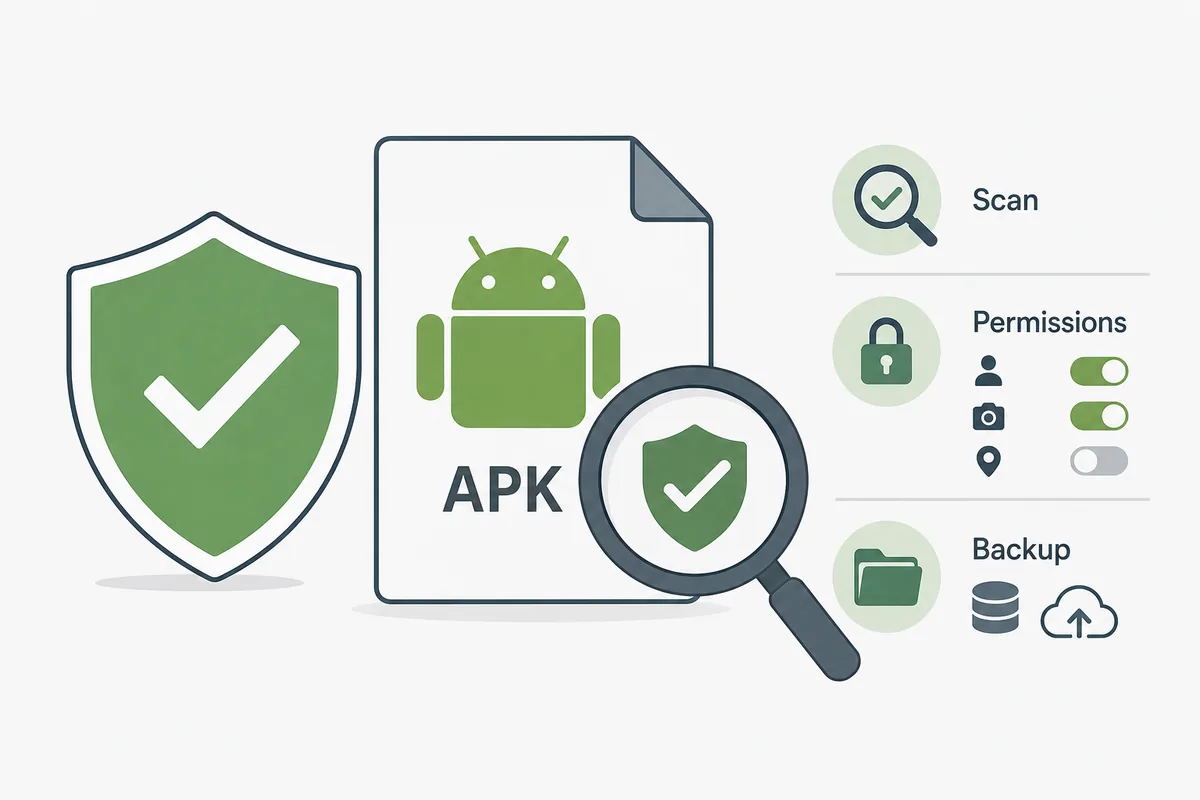
Before opening any unofficial APK, scan the file with a reputable tool, keep Android Play Protect enabled, and inspect permissions. A tower defense game should not require SMS, contacts, accessibility control, device administrator access, or broad notification behavior to function. Back up previous saves before replacing an older build, and remove the APK if it redirects to unrelated browser pages or asks you to install a second app store.

PvZ Reflourished APK safety checklist illustration with scan and permissions symbols

PC Emulator vs Main Phone

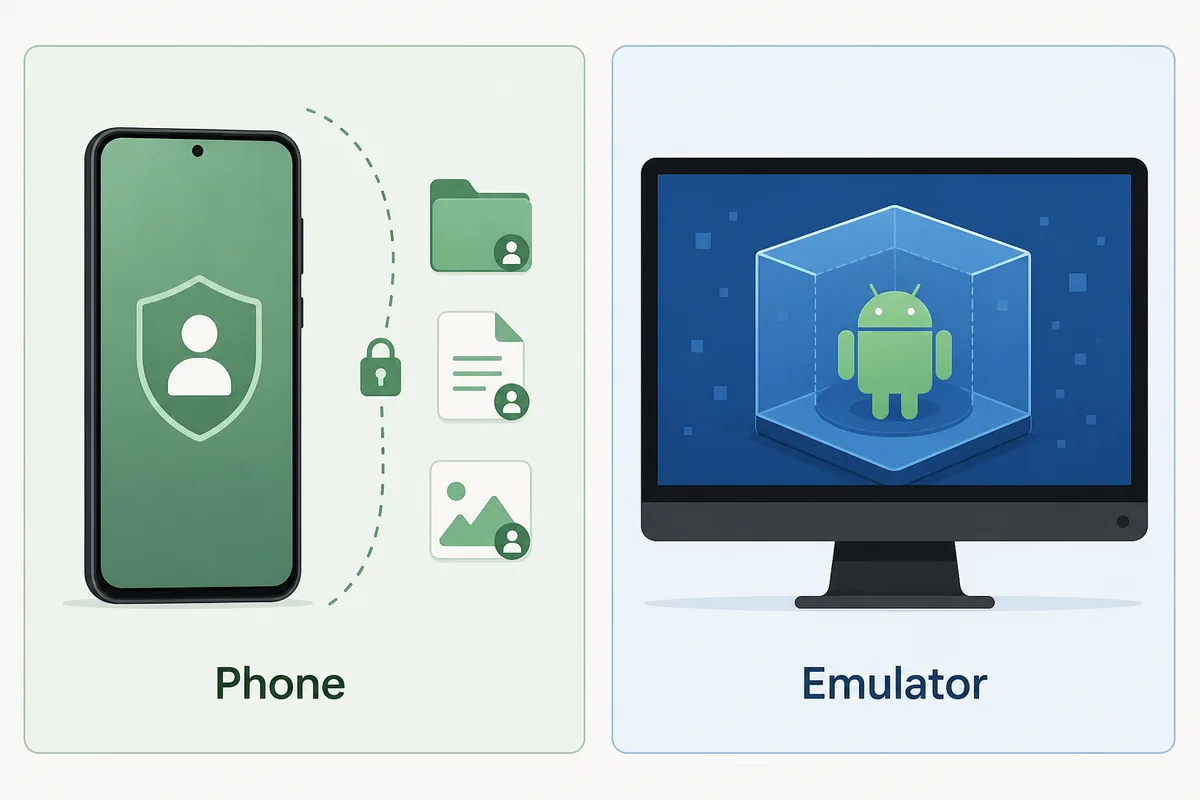
For many players, a clean Android emulator on PC is the better first test. It keeps experimental files away from your main phone, makes it easier to delete the app and OBB folder, and helps you compare versions without risking personal data. If your real goal is an official PC game, use the official Plants vs Zombies Replanted route instead of forcing a mobile mod into your daily setup.

Comparison illustration of testing PvZ Reflourished on a phone versus a PC Android emulator

Source Types Checked for This Guide

For this page, the useful source types were community Wiki installation notes, public GitHub release repositories, official or community Reflourished social/video channels, and existing PvZ Android/PC pages already maintained on this site. I did not copy third-party screenshots into the article because ownership and version accuracy can change quickly. The local images on this page are explanatory illustrations, not real gameplay screenshots or official UI captures.

Media note

Visual assets are labeled as installation and safety illustrations. The embedded video is included because APK + OBB installation is easier to verify visually.

PvZ Reflourished APK FAQ

Is PvZ Reflourished an official Plants vs Zombies release?

No. PvZ Reflourished is generally treated as a community Plants vs Zombies 2 mod, not an official EA release. Use the official Google Play app if you want store-managed support.

Do I need both APK and OBB files for PvZ Reflourished?

Many Android installs use both. The APK installs the app, while the OBB folder stores larger data. Follow source-specific instructions and keep folder names unchanged.

Is PvZ Reflourished APK safe?

Safety depends on the file source and permissions. Scan the APK, avoid unrelated permissions, keep Play Protect enabled, and test in an emulator or spare profile when possible.

Can I play PvZ Reflourished on PC?

Many players test Android builds through a PC emulator. If you want an official PC title instead, choose Plants vs Zombies Replanted from an official store.

How is Reflourished different from PvZ Fusion?

Reflourished is usually a PvZ2 overhaul with APK and OBB install questions. Fusion is a different fan project focused on hybrid plant mechanics and separate build/version searches.