How to Update PvZ Fusion Without Losing Progress

Learn how to update PvZ Fusion without losing progress: verify the source, copy your save data, install the replacement without deleting the old build first, and test one level before removing the backup. This guide separates Android, PC, English, and multi-language update paths so a version mismatch does not look like a lost save.

PvZ Fusion Update Guide

PvZ Fusion Update Guide

Checked community marker: 3.8.1_beta Release asset size varies Checked August 6, 2026
Open Checked Release Page Read the English Version Guide Review APK Safety Checks

Source fallback only: no unverified APK mirror or direct file URL is claimed

Primary intent
Update without losing progress
Checked marker
3.8.1_beta
README support
3.8.1
Source type
Project README and GitHub release page
Android path
Back up, then overwrite when supported
PC path
Keep the old folder and save copy
Direct installer
Not verified
Status
Fan-made community topic, not an EA release
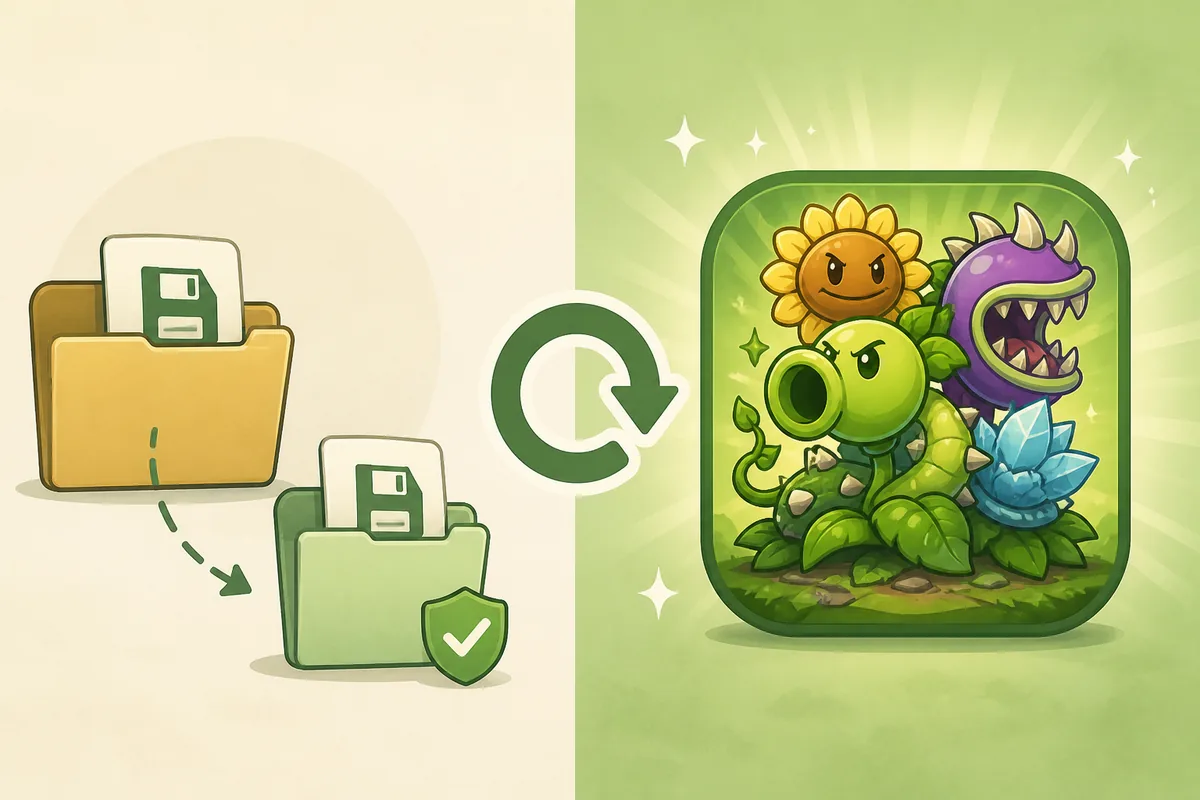
Editorial illustration showing a PvZ Fusion save copy protected before a game update
Editorial illustration: copy the save before replacing a community build.

How to Update PvZ Fusion Safely

Step 1

Record the build, device, and language first

Write down the current build label, whether you use Android or PC, and whether an English or multi-language patch is installed. A translation patch can make an unchanged save look incompatible after an update. Do not compare only the word latest; compare the project source, release notes, package or folder identity, and language support.
Step 2

Make two separate save backups

Use the game's own export or cloud option when the build provides one. Otherwise copy the relevant Android app data or PC save folder without guessing that every build uses the same path. Keep one backup outside the game folder and a second copy on another drive or protected location. Do this before opening the new build.

Step 3

Verify the release page and version notes

The checked PVZF-Translation project currently shows a 3.8.1_beta community release marker while its README refers to 3.8.1 support. Treat those as source signals to compare, not as proof of an official or permanently latest version. Read the release notes, asset names, date, and language notes before choosing a file.

Step 4

Install, launch once, and test the save

On Android, do not uninstall first if an in-place update is supported; uninstalling can remove local data. On PC, test the new build from a copied folder so the old folder stays recoverable. Launch one level, check the language and progress, and only then decide whether to archive or remove the old copy.

What can change during a PvZ Fusion update?

A community update may replace the APK package, executable files, data folders, language assets, or configuration files. The update itself is not always what removes progress. Common causes of a missing save include uninstalling before copying data, launching a different package identity, opening a new language build, changing the PC folder, or letting the new build overwrite an old save before testing. That is why the first step is to identify the build and make an offline copy. A new version label alone cannot prove that two builds use the same save format.

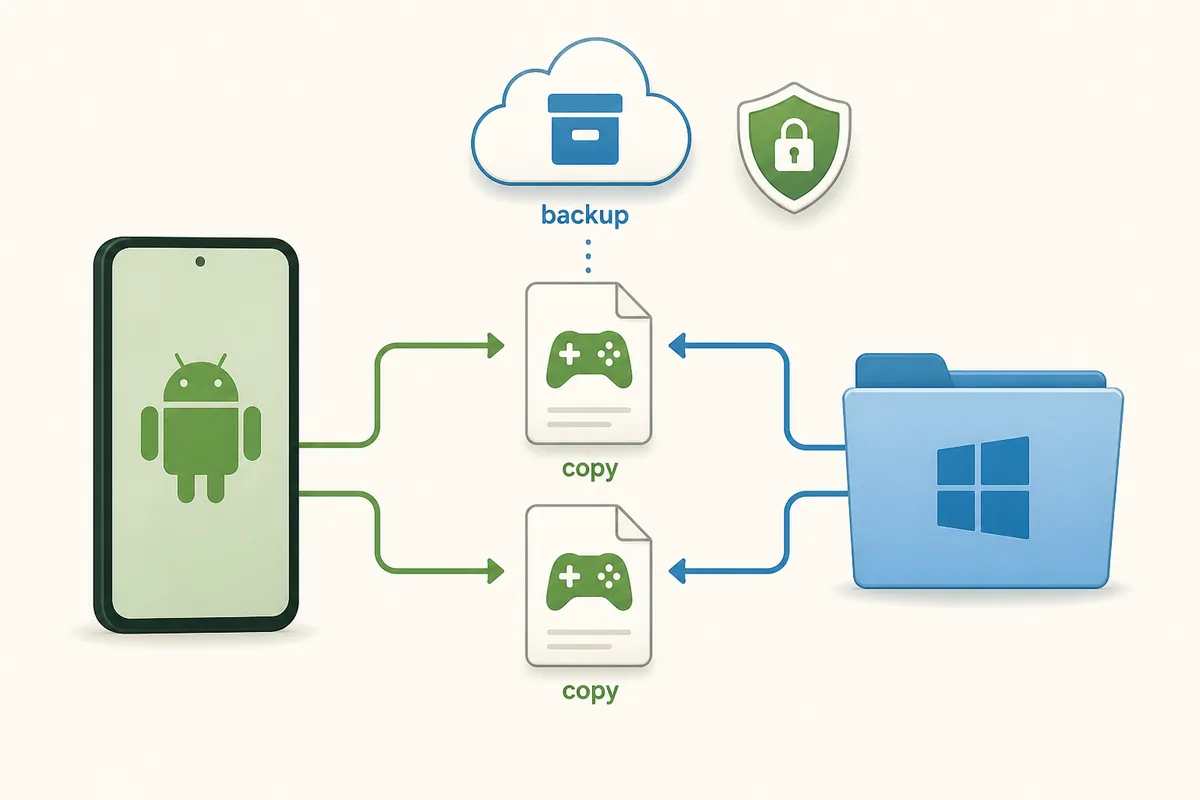
Android phone and Windows folder sending separate PvZ Fusion save copies to protected backups
Keep two recoverable copies before installing a different build.

Android update checklist

Android builds differ in package name, storage permissions, and save location, so avoid a universal folder claim. Use the release page or project README to identify the intended build, export or copy progress, and keep Play Protect enabled when testing an APK outside an official store. If the same package supports an in-place update, overwrite only after the backup is confirmed. If the package or language patch changes, treat it as a separate install and test with the backup ready.

ActionWhat to checkWhy it matters
SourceProject release page, README, date, languageAvoid a repacked or mismatched build
BackupExport or copy data twiceUninstall and failed installs can remove local data
InstallUse in-place update only when package identity matchesA new package may not see the old save
TestOpen one level and confirm progressCatch a mismatch before deleting the old copy
Save backup and update arrow used to explain an Android PvZ Fusion update
The backup should exist before the replacement package is installed.

PC update checklist

For a PC build, keep the complete old folder intact and copy it before adding new files. If the project distributes a new archive, extract it to a new folder rather than overwriting the only working copy. Copy the save or configuration folder only after you know which folder the new build reads. Start the new build from the copied location, confirm the language and progress, then keep the old folder until the update has been used for a few sessions.

StageRecommended actionStop condition
Old buildDuplicate the folder and record its pathDo not move the only working copy
New buildExtract to a separate folderDo not mix unknown files into the backup
Save checkPoint the new build to a copied save when documentedStop if the folder identity is unclear
First launchLoad one level and check settingsRestore the old folder if progress is absent
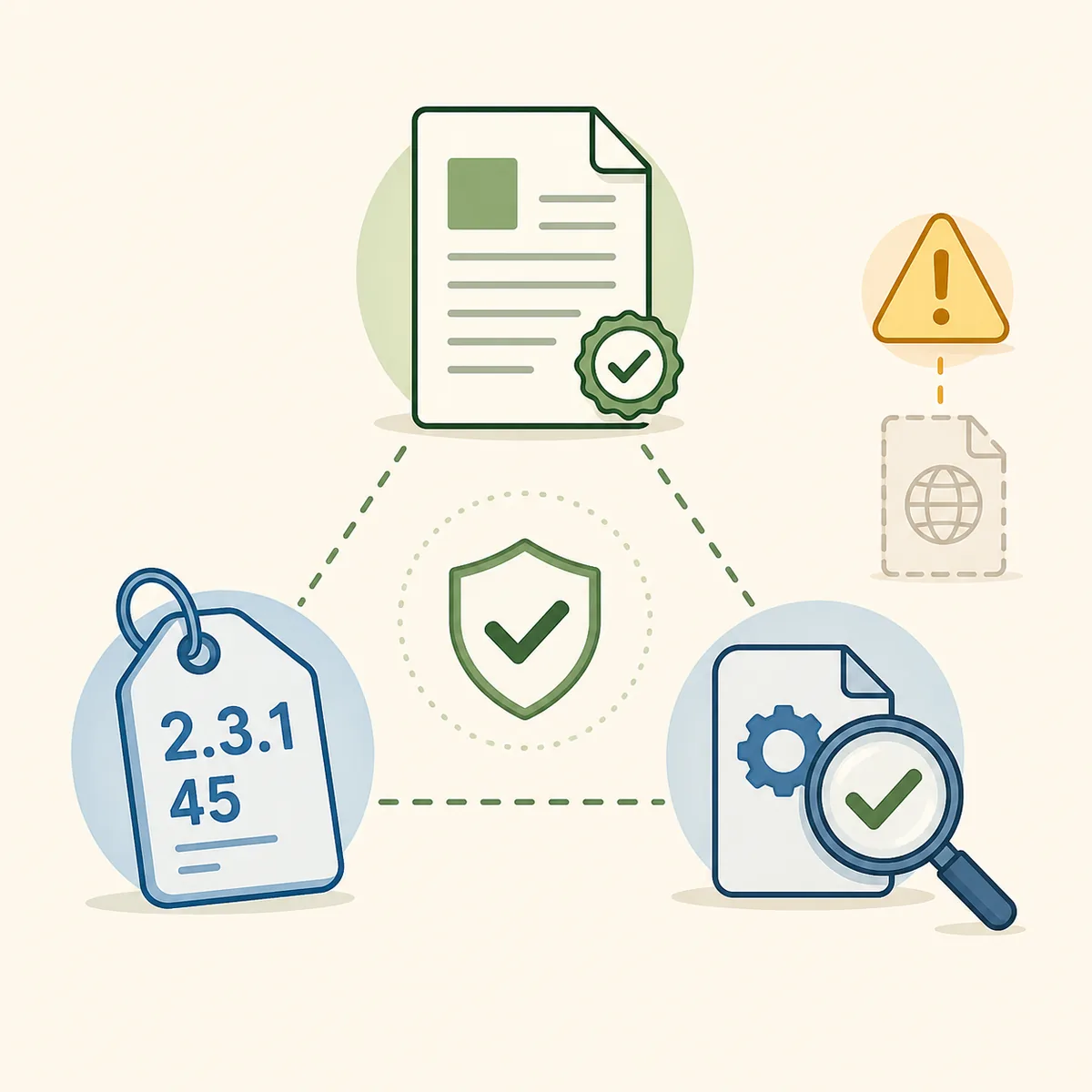
Release document, version tag, file inspection, and warning symbol for a PvZ Fusion PC update
Match the new folder, version notes, and source before migrating a PC save.

What to do if PvZ Fusion progress disappeared

Close the new build before it creates a fresh save over the old one. Restore the last known-good backup to a separate test copy, then compare the package or folder name, build label, language patch, and save location. If the old build still loads the progress, keep using that copy while you investigate the release notes. Do not download several random mirrors to solve the problem; each new package can make the evidence harder to track. A progress-loss report is usually a reason to roll back first, not a reason to delete the backup.

How to check a PvZ Fusion version without overclaiming

Version searches often combine different community builds. On August 6, 2026, the checked PVZF-Translation sources showed a 3.8.1_beta release marker and README support for 3.8.1, but the page does not present that as an EA release, a guaranteed latest version, or a safety certificate. Compare the release date, changelog, asset names, language notes, and project identity together. If one mirror says latest but provides no source or reproducible version note, treat it as unverified.

English and multi-language builds need their own check

The phrase pvz fusion latest version english is related to updating, but it is not the same intent as the general update question. A language patch can replace text files, use a different base build, or be bundled with a complete pre-patched package. Match the language patch to the base version before moving a save. If your main problem is how to change language in PvZ Fusion, use the dedicated English guide and its FAQ instead of treating language switching as a new update method.

Why this page does not promise a direct APK file

The checked release page is a source reference, not proof that every attached asset is safe for every device. This site does not guess a stable APK URL, file size, package name, or security result when those details cannot be verified. Use the release page to inspect the current assets and notes, then apply the backup and permission checks before installing. Players who want an official store-managed route should use the official PvZ Android or PC options linked from the site's existing guides.

PvZ Fusion Update FAQ

How to update PvZ Fusion without losing progress?

Record the current build and language, make two separate save backups, verify the project release notes, install the new build without uninstalling first when an in-place update is supported, and test one level before removing the old copy.

Should I uninstall PvZ Fusion before updating?

Usually not when the same package supports an in-place update. Uninstalling can remove local Android data. Back up first and follow the package or project instructions for the build you are using.

Where is the PvZ Fusion save file on Android?

There is no single safe path for every fan build. The package, Android version, storage permissions, and developer setup can change the location. Prefer an in-game export or documented project method; do not delete folders while searching.

What should I do if my PvZ Fusion progress went away?

Close the new build, restore the last known-good backup to a separate copy, and compare the package or folder identity, language patch, version, and save location. Keep the old build until the recovered copy loads correctly.

What PvZ Fusion version should I compare before updating?

As checked on August 6, 2026, the PVZF-Translation sources showed a 3.8.1_beta community release marker and README support for 3.8.1. Use the current release page and README as the source of truth because community labels can change.

How do I update a PvZ Fusion English or multi-language build?

Match the language patch to the same base build before moving the save. If the problem is language switching rather than the update itself, use the dedicated PvZ Fusion English guide so the two intents stay separate.

Is there a verified direct PvZ Fusion APK link here?

No. The page links to the checked GitHub release page as a source fallback and does not invent a stable direct file URL, file size, or security claim when those details cannot be verified.

Can a PC update use the same save as the old folder?

It may, but only after you identify the save or configuration folder used by that build. Keep the old folder intact, test the new build from a copy, and restore the backup if the progress is missing.