PvZ Hybrid English: Version, Patch, and Safe Setup Guide

PvZ Hybrid English searches are usually about three things: finding an English build, checking whether a version such as 3.6, 3.9, or 4.0 is current, and deciding whether to test the mod on PC or Android without confusing it with PvZ Fusion. This page does not host files. It helps you read source pages, compare version claims, and test fan-made Hybrid builds more carefully.

Xuper TV APK Logo

PvZ Hybrid English Guide

English patch and version checks Varies by fan build July 2026
Compare PvZ Fusion Check Official PvZ Games

Informational guide only - verify every fan build before installing

Primary Keyword
pvz hybrid english
Search Intent
English patch, version, and PC setup checks
Project Type
Fan-made PvZ mod / fan game
Common Versions
3.6, 3.9, 4.0 and remake builds
Best First Test
Clean PC folder or emulator
Not the Same As
PvZ Fusion APK
Media Type
Explanatory illustrations
Last Reviewed
July 5, 2026
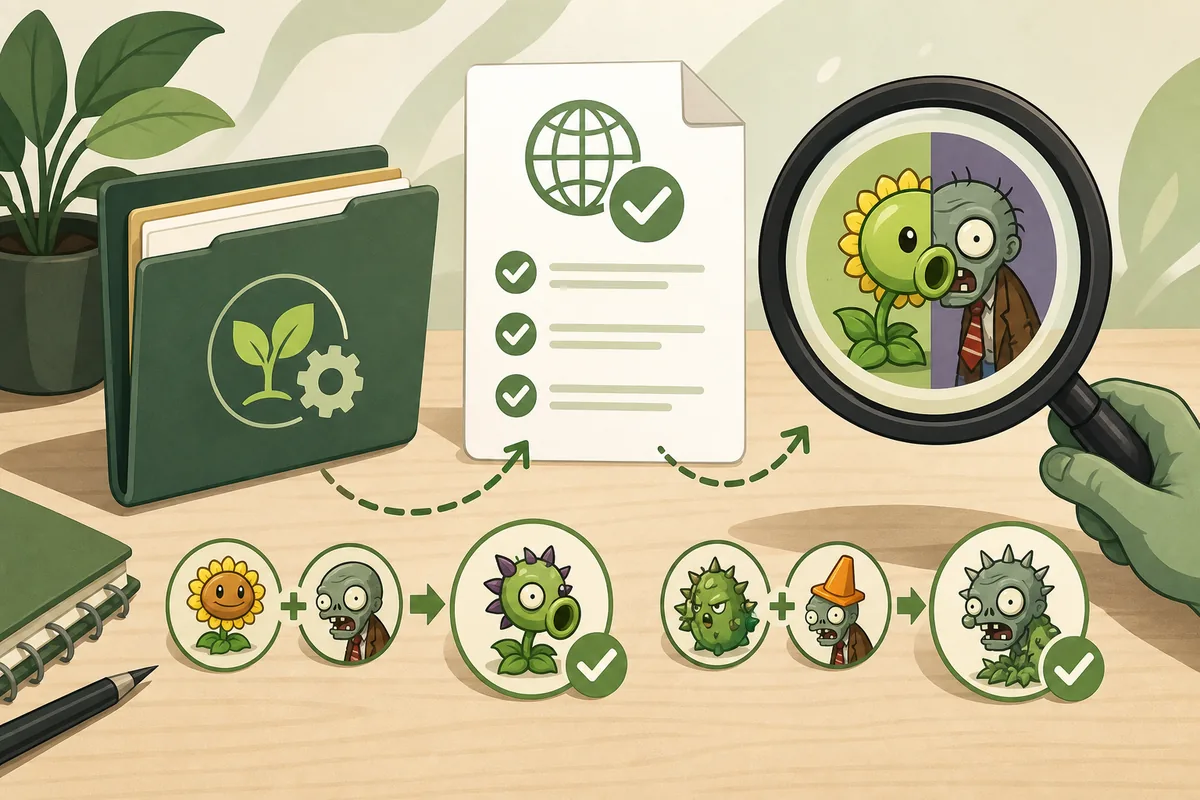
Editorial illustration of PvZ Hybrid English version and patch checks

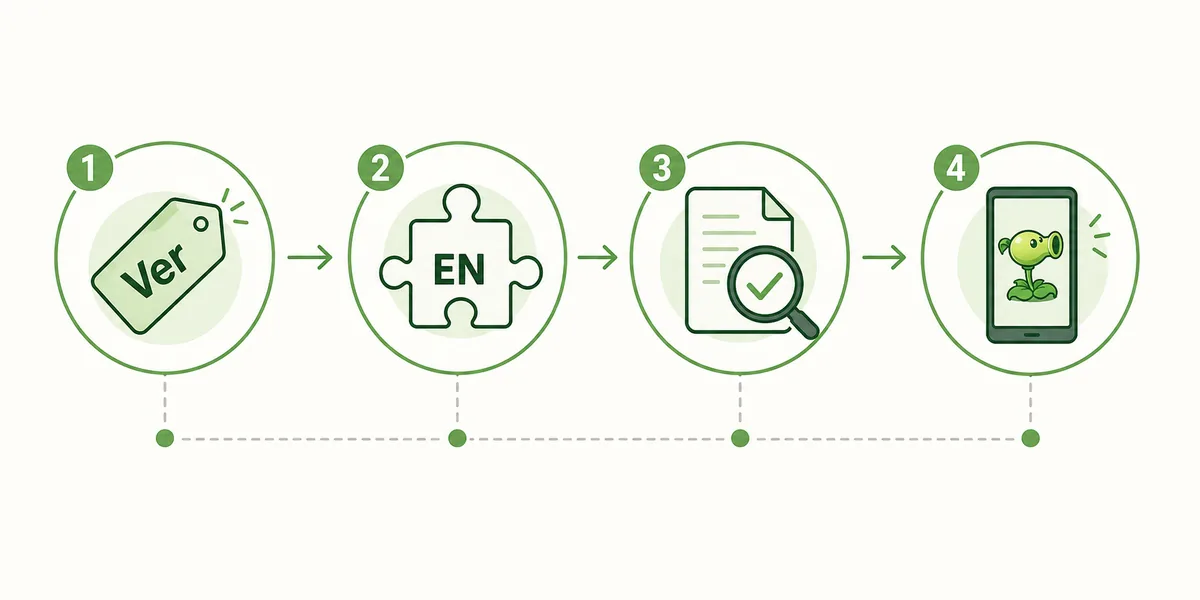
How to Check a PvZ Hybrid English Build

Step 1

Separate Hybrid from Fusion

Hybrid and Fusion both use combined plant ideas, but search results treat them as different fan projects. Hybrid English queries often point to English patches, Windows folders, GameBanana posts, itch.io pages, YouTube walkthroughs, and remake builds. Fusion queries on this site already have their own APK, wiki, mod, and PC-install pages.

Step 2

Read the version number before downloading

Do not assume the largest number in a title is the safest file. Compare the page date, version label, file name, comments, screenshots, and install notes. A page for 3.6 English can be useful for language support, while a newer 3.9 or 4.0 claim may still need extra checks if it comes from an unverified mirror.

Step 3

Prefer a clean test environment

Use a separate folder, a spare Windows profile, or an Android emulator before touching your main game folder. Back up original files such as data packs or main package files, and avoid installers that request unrelated browser extensions, surveys, password archives, or second download managers.

Step 4

Use videos as walkthroughs, not proof

YouTube videos can show what a build looks like and how an English patch is applied, but a video description link is not the same as a verified source. Treat videos as install demonstrations and compare the linked file with a source page that has release notes, author context, and recent community feedback.

What does PvZ Hybrid English mean?

PvZ Hybrid English usually means a fan-made Hybrid build or an English patch for a Hybrid build. It is not an official Electronic Arts release, and it is not automatically the same as PvZ Fusion. The useful search boundary is narrow: language availability, version status, source trust, and whether the build should be tested on PC or Android. That is why this page focuses on decision checks instead of promising a one-click download.

PvZ Hybrid English guide illustration with version and patch checks

Version claims: 3.6 English, 3.9, 4.0, and remake builds

Similarweb keyword data shows low-difficulty demand around pvz hybrid english, pvz hybrid 3.9 english, pvz hybrid 4.0, and pvz hybrid mod pc. These should not all become separate pages. The better structure is one Hybrid English guide with a version-check table: older English pages can answer patch questions, newer version pages can be treated as source-check examples, and very narrow version strings can become FAQ or internal-link anchors later.

Keyword Intent Best page action
pvz hybrid english Find an English build or patch Primary new guide
pvz hybrid 3.9 english Check a version-specific English claim Support section and FAQ
pvz hybrid 4.0 Check whether a newer build is real Version-check section
pvz hybrid mod pc PC setup and safety intent Internal anchor from PC/Fusion pages
Editorial timeline showing PvZ Hybrid English version and source checks

Where search results currently point

Current results include GameBanana mod posts, itch.io pages, YouTube walkthroughs, ModDB files, Fandom context pages, and dedicated Hybrid download mirrors. These source types are useful in different ways. GameBanana and itch.io can show author or file context, videos can show a patch flow, Fandom can explain the mod concept, and mirrors can list versions. None of those automatically prove that a file is safe, current, or official.

Source note

Use community pages for context and version comparison, not as a guarantee that every mirror or reposted file is safe.

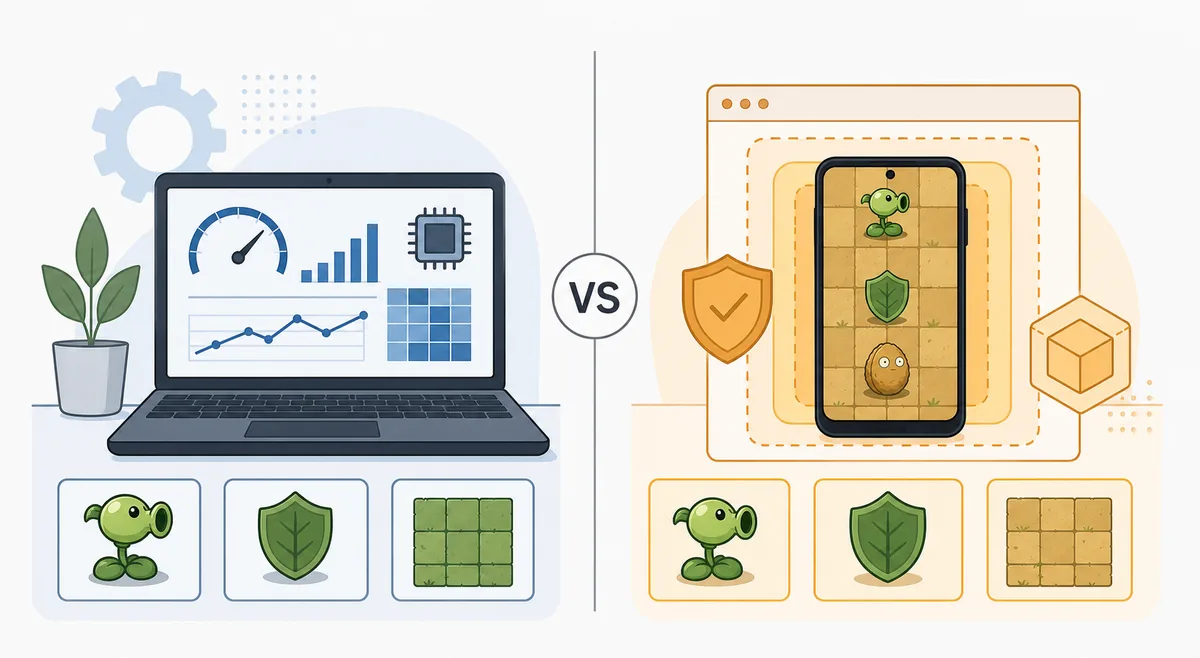
PC setup is usually safer than testing on your main phone

For a fan-made Hybrid build, a Windows test folder or emulator gives you more control than a daily phone. You can scan a zip, extract it without administrator shortcuts, compare file names, remove the folder cleanly, and keep private mobile accounts out of the experiment. If a page claims Android support, check whether it is a real Android build, an emulator instruction, or just a PC archive wrapped in mobile wording.

Comparison illustration of testing PvZ Hybrid English on PC versus Android emulator

Safety checklist before you run the file

Scan the archive, keep a copy of the original game folder, and avoid files that require password unlockers, notification permissions, browser extensions, or unrelated app stores. A PvZ mod should not need contacts, SMS, accessibility control, device administrator access, or payment access. If the English patch replaces a package file, copy the original first so you can roll back without reinstalling everything.

Check Pass signal Risk signal
Source page Has author, date, comments, and install notes Only has a countdown or ad download button
File package Clear zip or patch name matching the version Password archive, installer chain, or unknown exe
Permissions Game-only access SMS, contacts, admin, or extension access
Rollback Original files backed up No way to undo the patch

Media sources checked for this guide

For this page, the useful source types were GameBanana mod listings, itch.io fan project pages, YouTube walkthroughs, ModDB file pages, Fandom background notes, official EA PvZ pages, and existing PvZ Fusion pages on this site. I did not copy third-party screenshots into local assets because version ownership and repost accuracy can change quickly. The three WebP images here are explanatory illustrations, not real gameplay screenshots, official screenshots, or live app UI.

Media note

Visual points: featured Hybrid English illustration, version-check flow, and PC-versus-emulator safety comparison.

PvZ Hybrid English FAQ

Is PvZ Hybrid English official?

No. Treat PvZ Hybrid English as a fan-made mod, patch, or fan-game search topic. Use official EA pages when you want store-managed Plants vs Zombies releases.

Is PvZ Hybrid the same as PvZ Fusion?

No. The topics overlap because both use hybrid plant ideas, but search results and version pages are different. Use this page for Hybrid English and version checks; use the Fusion pages for Fusion APK, wiki, and PC-install questions.

Which version should I search for?

Start with the intent, not only the number. If you need English text, check English patch pages such as 3.6 English. If you need a newer build, verify the source, date, and comments before trusting a 3.9 or 4.0 claim.

Can I play PvZ Hybrid English on PC?

Many Hybrid builds are discussed as PC files or Windows folders. Test in a clean folder first, scan archives, and avoid installers that require unrelated tools or permissions.

Should version-specific keywords become separate pages?

Not yet. Similarweb shows useful demand, but the intent is still one cluster: English patch, version status, and safe setup. Narrow version phrases are better handled inside this guide and FAQ unless search behavior clearly separates later.