Confirm the project title
Open the itch.io listing titled Plants Vs Zombies: Lawn Free For All and check its creator and URL. Similar PvZ lawn titles may lead to unrelated projects.
Plants vs Zombies Lawn Free For All is a downloadable fan game listed on a creator-hosted itch.io page. The listing describes keyboard movement, mouse or Space-key shooting, character selection, and eight maps. This guide identifies that exact project and separates it from similarly named PvZ mods and APK pages. No release number, platform label, file name, or file size was visible in our source check, so use the creator page for availability and do not treat a mirror as equivalent.

The creator page is the only download destination linked here. A current version, supported operating system, file name, and file size were not visible in the checked source.
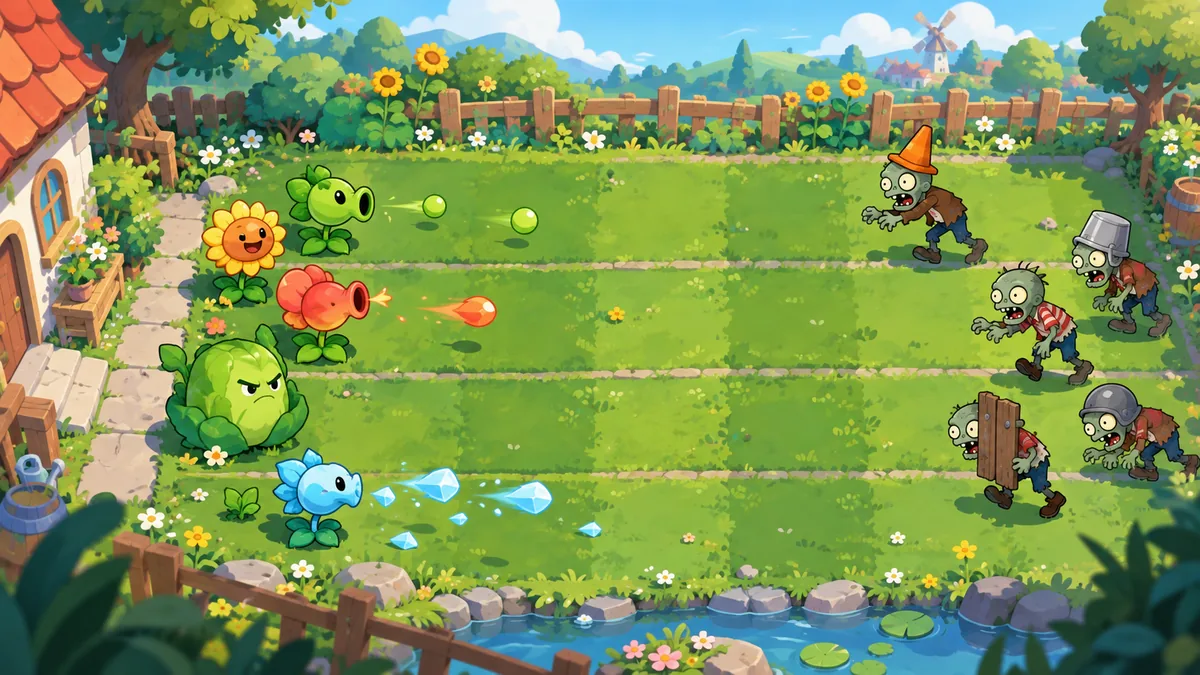
Open the itch.io listing titled Plants Vs Zombies: Lawn Free For All and check its creator and URL. Similar PvZ lawn titles may lead to unrelated projects.
Check the creator's current release note, platform label, file name, and size. None appeared in our October 23, 2026 check; do not infer them from reposts or videos.
The listing says W, A, S, and D move the player and Space or a mouse click shoots. Test one input at a time before choosing a character.
Use number keys 1 through 9 in the starting menu to choose a character. The listing says eight maps are available but does not name them.
This is one fan-made game, not a label for every PvZ lawn project. The itch.io listing describes a downloadable game based on Plants vs Zombies; its title includes “by Buzzdbeetle.” The material we checked does not present it as an EA or PopCap release. Because “PvZ Lawn” also surfaces unrelated mods, Android pages, remakes, and community projects, match the full title and creator URL before following a download. Our GameJolt guide covers platform-wide discovery; this page stays with this one itch.io project.
The creator lists W, A, S, and D for movement and Space or a mouse click for firing. Number keys 1 through 9 select a character in the starting menu. A separate unlock instruction says to click 0 with numbers 1 through 6, but does not clarify whether to press the keys together or in sequence. Test movement, then fire once; if a shortcut fails, return to the menu and follow its prompt. The source does not document controller support or key remapping.
| Input | Published action | What to check |
|---|---|---|
| W, A, S, D | Move | Test one direction. |
| Space | Shoot | Confirm a shot. |
| Mouse click | Shoot | Listed as an alternative. |
| Number keys 1-9 | Choose a character in the starting menu | Not documented as an in-match shortcut. |
| Click 0 with 1-6 | Unlock characters, according to the listing | Key timing is unclear. |
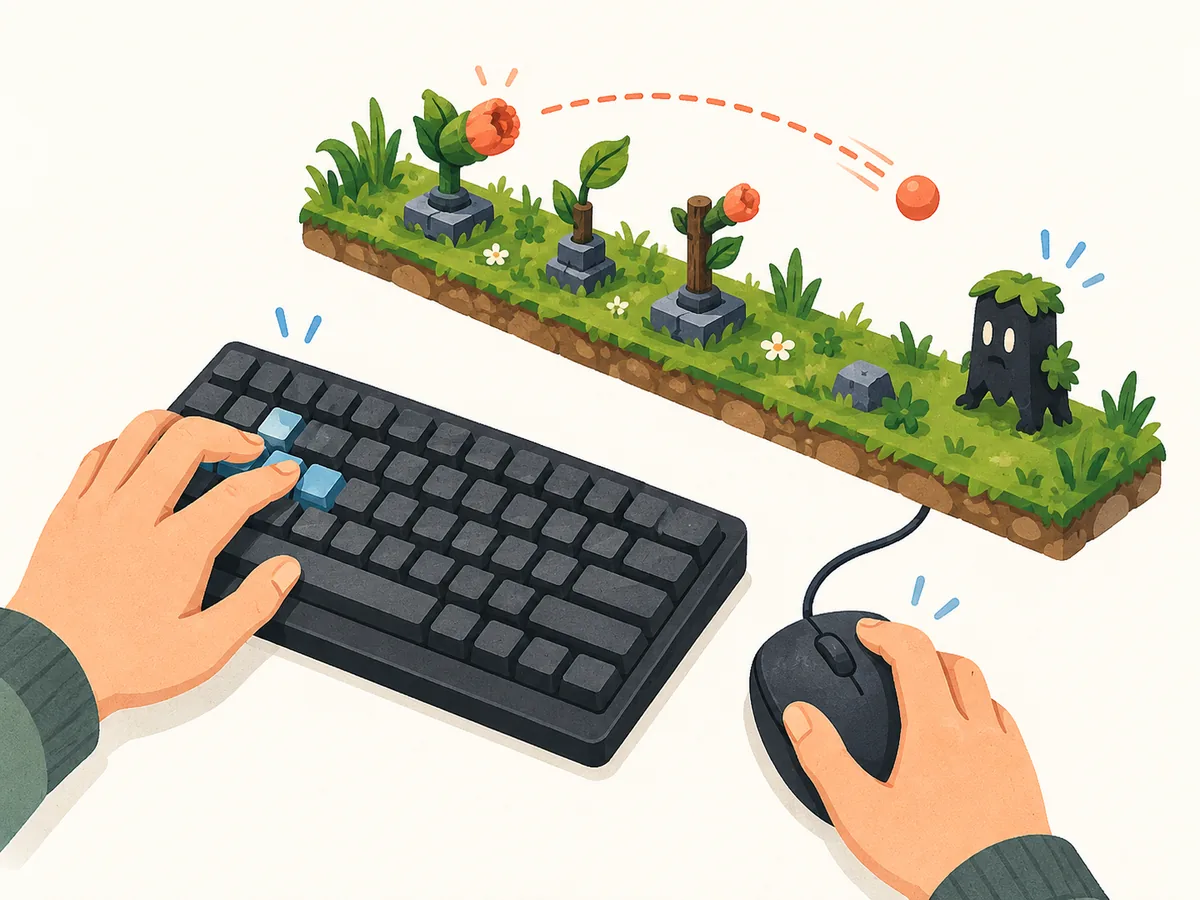
The source documents how to open a selection, not which character performs best. It says keys 1 through 9 choose a character in the starting menu and separately mentions clicking 0 alongside keys 1 through 6 to unlock characters. It does not clarify whether those keys are pressed together or in sequence, and the checked excerpt does not provide a verified roster or balance chart. Follow the prompt shown by your build. For a useful comparison, record the character name and visible version text before noting what you observe; do not turn one session into a universal ranking.
| Menu detail | What is published | What remains unclear |
|---|---|---|
| Character choice | Keys 1-9 in the starting menu | The full roster and character roles are not listed in the checked excerpt. |
| Character unlock | Click 0 alongside keys 1-6, according to the listing | The key timing and exact conditions are not explained. |
The creator says the starting menu offers eight maps. Our checked material gives no map names, themes, difficulty order, or unlock conditions, so naming arenas would be guesswork. Check the choices in your build, then replay one character on a different map and observe whether its layout or enemy approach changes. The image is a concept example, not a map screenshot.
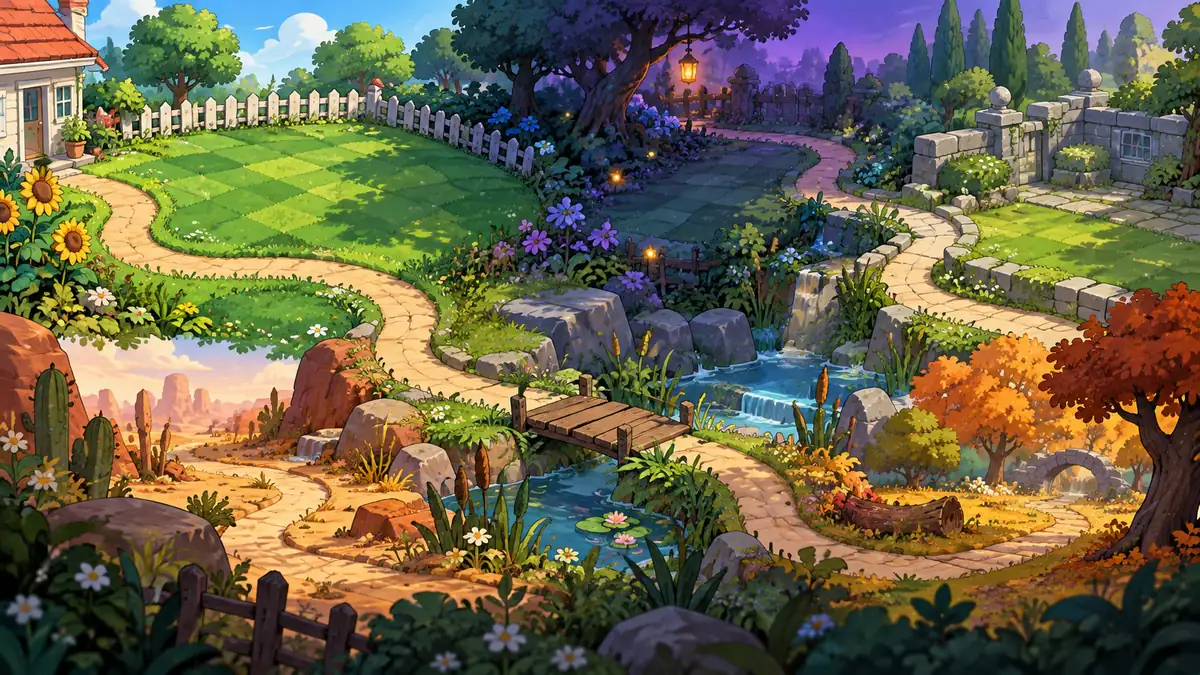
The creator says the starting menu offers eight maps, but the material we checked does not name them or explain how they change a run. An indexed excerpt of the creator listing says zombies can appear from one of four gravestones; it does not describe a spawn schedule or connect a particular gravestone to a named map. Look at the menu and the scene in your own build, then note visible landmarks and where a wave enters. Keep the character and controls consistent when comparing two attempts if the game allows it. The map artwork on this page is only a concept illustration, not one of the game's arenas.
| Map slot | Menu label | Version and entry point |
|---|---|---|
| Map 1 | Record displayed name | Version text and entry point |
| Map 2 | Record displayed name | Version text and entry point |
| Map 3 | Record displayed name | Version text and entry point |
| Map 4 | Record displayed name | Version text and entry point |
| Map 5 | Record displayed name | Version text and entry point |
| Map 6 | Record displayed name | Version text and entry point |
| Map 7 | Record displayed name | Version text and entry point |
| Map 8 | Record displayed name | Version text and entry point |
A short session note is more useful than a copied list whose version is unknown. Write down the exact project title, the date you played, any build text visible in the menu, the map label you selected, and the character name shown on screen. Then separate what the itch.io listing states from what you personally observed. If the game displays an unlock condition, enemy durability, or a special behavior, note the condition and repeat it before sharing the result. The checked listing extract does not verify those values, so this guide does not assign hit counts, boss triggers, or rankings. This method keeps future comparisons tied to a specific build instead of blending in details from another PvZ mod.
| Session note | Source status |
|---|---|
| Title and creator-page URL | Identifies the project being discussed. |
| Visible build text and play date | Useful because the listing did not show a version or update date. |
| Map and character labels | Record what your menu actually displays. |
| Unlocks or enemy behavior | Treat as an observation until the creator documents it. |
Open the creator page before downloading, then test movement and firing separately in the starting area. Try one character and observe its attack before switching; record any unlock threshold shown by your build. After play, note the project title, visible version text, and date. This simple record can distinguish a creator update from an old repost.
Use the linked itch.io project page for availability. Our October 23, 2026 check did not verify a version, release date, operating system, file name, size, or stable binary URL. We cannot identify the newest build or match files hosted elsewhere. Read the creator's release notes and file details before updating; avoid reposts that hide the creator, archive name, or destination. This site neither hosts nor scans the game file.
Controls, characters, map count, enemy notes, and availability were checked against the creator-hosted itch.io page on October 23, 2026. No version, update date, platform label, file name, or size was visible in the checked material.
The creator lists W, A, S, and D to move and Space or a mouse click to shoot; controller support is not documented.
The starting menu is said to offer eight maps; the checked source does not name them.
The itch.io listing describes a fan game, not an EA or PopCap release.
No version, update date, file name, or size was visible in the October 23, 2026 check. See the creator page for current details.
No. This guide links to the creator's itch.io listing; it does not host an APK or link an unrelated Android mirror.