Open Google Play
Use the official button and confirm the developer is ELECTRONIC ARTS and the package ID is com.ea.game.pvzfree_row.
Download the original Plants vs Zombies for Android from the official Google Play listing by ELECTRONIC ARTS. The verified package is com.ea.game.pvzfree_row, the current listed version is 3.16.0, and Google Play shows an update date of May 4, 2026. Download size varies by device, so this page no longer claims one fixed APK size.

Official Google Play link; no APK file is hosted here
Use the official button and confirm the developer is ELECTRONIC ARTS and the package ID is com.ea.game.pvzfree_row.
Confirm Android 7.0 or later, available storage, and regional availability. Google Play may deliver different file sizes to different devices.
Tap Install, keep Play Protect active, and avoid mirrors that ask you to disable security or install an unrelated downloader.
Open the game after installation and let Google Play apply future updates. Back up progress before changing devices or clearing app data.
The current official listing identifies version 3.16.0 and an update on May 4, 2026. The package ID is the strongest identity check. Google Play uses device-aware delivery, so a fixed number such as 95 MB or 108.5 MB can become inaccurate. Keep extra storage for downloaded assets, saved games, and future patches.
| Field | Verified value | Check |
|---|---|---|
| Version | 3.16.0 | Google Play listing |
| Package | com.ea.game.pvzfree_row | Must match exactly |
| Updated | May 4, 2026 | Recheck before calling it latest |
| Size | Varies by device | Leave extra storage |
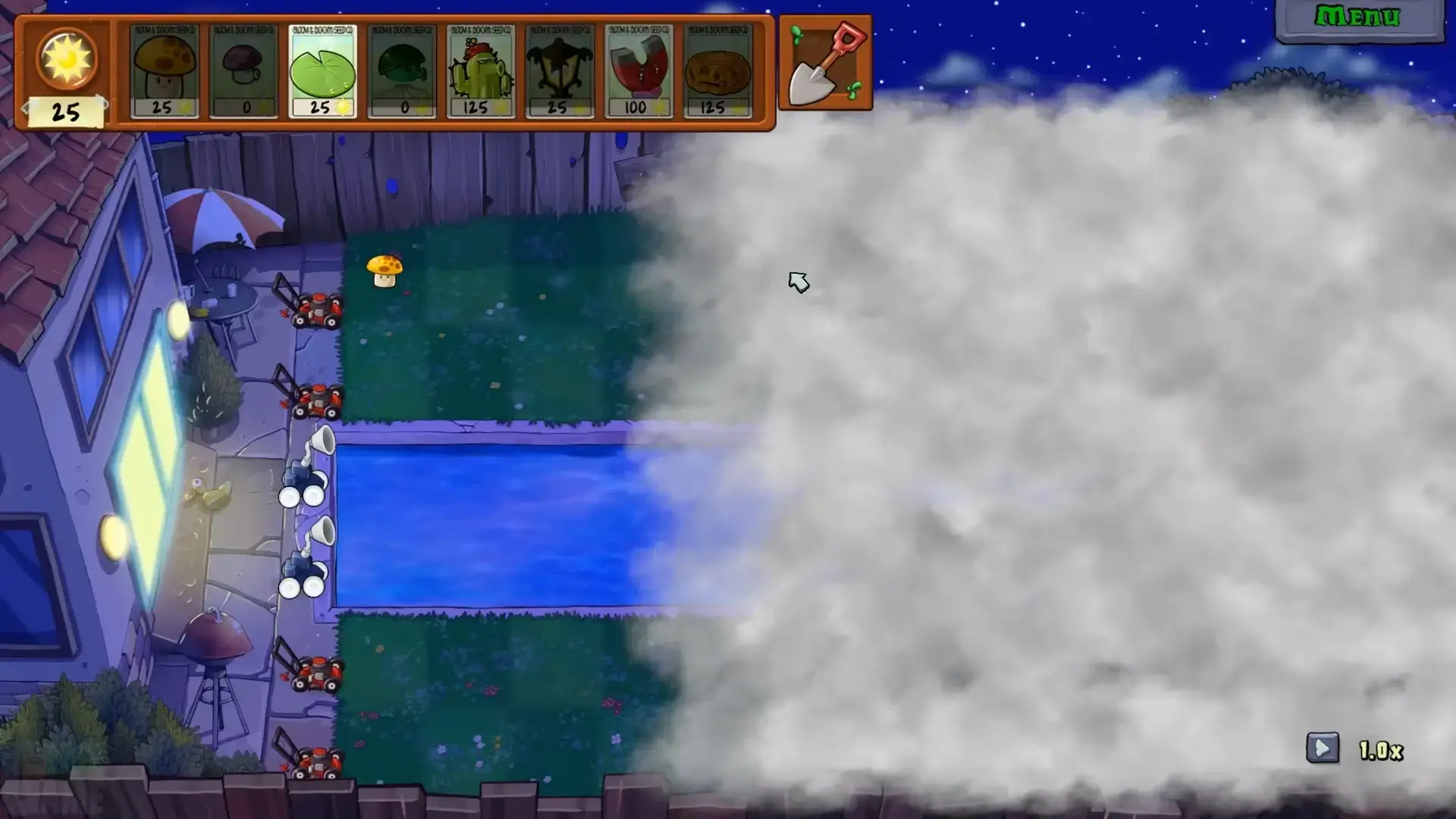
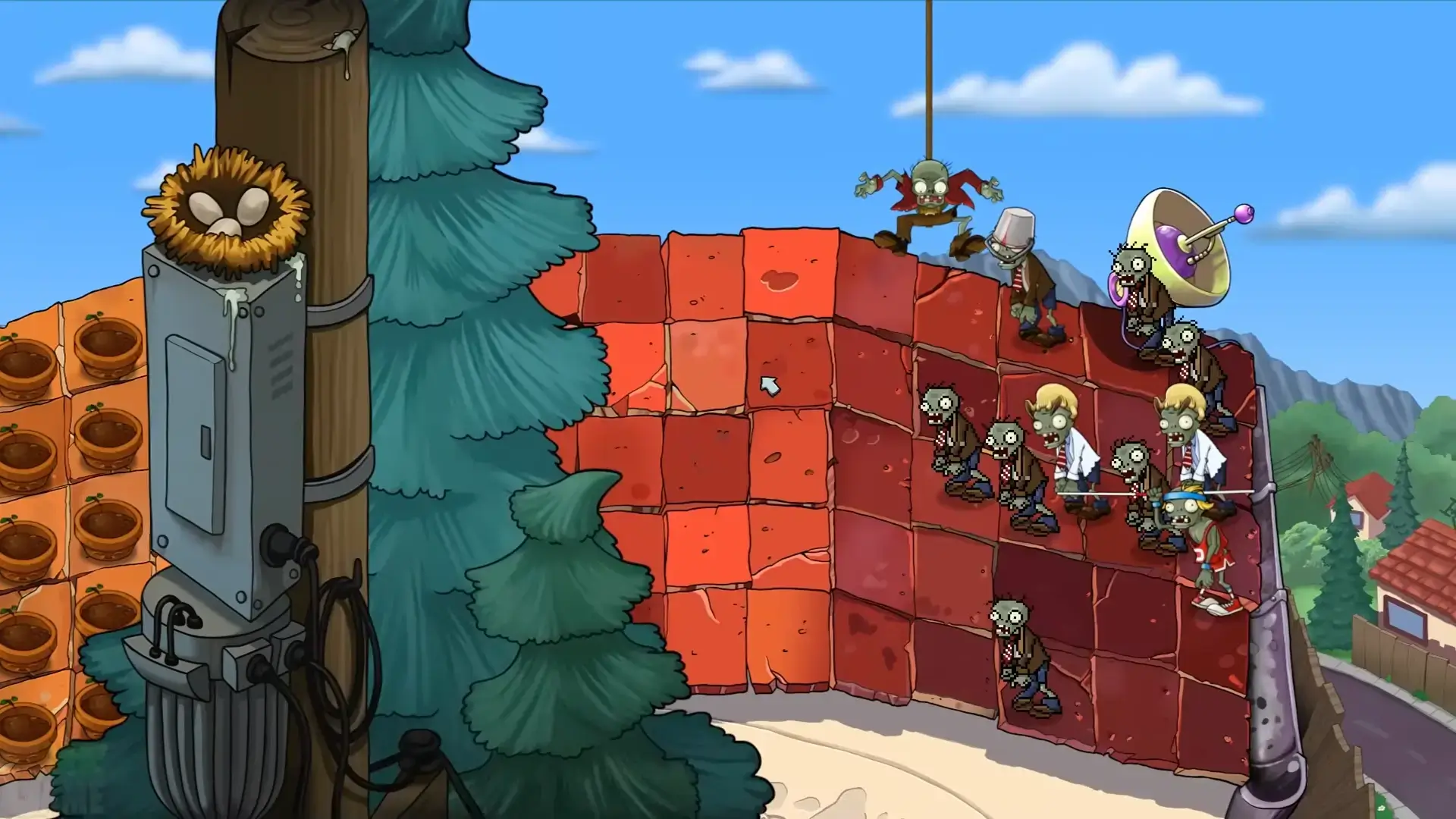
The mobile release keeps Adventure, Survival, Puzzle, Mini-Games, Zen Garden, touch controls, plants, and zombie types from the classic game. Availability of ads, purchases, rewards, and cloud behavior may vary by region and account. The official version is the baseline for stable updates and support.
This page does not distribute an APK, mod menu, unlimited sun build, or unlocked-currency package. A mirror can copy the correct icon while changing the signature, permissions, installer, or advertising code. Prefer Google Play, verify the package ID, and reject files that require disabling Play Protect.
Do not claim a mirror is safe, official, or virus-free without a reproducible source and file-specific evidence.
Update Google Play Services, restart the phone, confirm account country, free storage, and Android version, then retry. Clear the Play Store download cache before deleting game data. If the listing is unavailable in your region, wait for official availability rather than using an unknown mirror.
The Android app is the classic mobile release. Plants vs Zombies Replanted is a separate paid PC remaster distributed through official PC stores. Choose the mobile version for touch play and the Replanted guide for a native desktop installation.
Version 3.16.0 was the current Google Play listing when checked on July 16, 2026, with an update date of May 4, 2026.
Google Play delivery varies by device, so use the store estimate shown for your phone and keep extra storage available.
No. The download button opens the official Google Play listing.
The official listing requires Android 7.0 or later.
No. Modified builds change the original app and may affect signatures, permissions, updates, ads, purchases, or saved progress.