Can You Play Garden Warfare on RPCS3? EA Server Limits and Setup Guide

RPCS3 can make an old PS3 game look like a PC setup question, but EA's service-update list records Garden Warfare on PlayStation 3 as retired on April 28, 2026. This guide separates that definitive server limit from the current RPCS3 compatibility evidence, then gives a legal, offline-first checklist without ROMs, BIOS files, or bypasses.

Garden Warfare RPCS3 Compatibility Guide

Garden Warfare RPCS3 Compatibility Guide

PS3 EA service retired: April 28, 2026 No game, ROM, BIOS, or emulator file hosted Reviewed August 22, 2026
Open EA Garden Warfare Page Read RPCS3 Quickstart Open Garden Warfare PC Guide

Guide only — no ROM, BIOS, cracked executable, account bypass, or unofficial server claim is provided

Primary keyword
how to play garden warfare on rpcs3 ea servers
Game boundary
Plants vs Zombies: Garden Warfare, the original shooter
RPCS3 evidence
Official compatibility entry currently shows Nothing
EA server result
PS3 service retired April 28, 2026
Offline scope
Only local compatibility can be investigated now
Legal scope
Use your own game and legally obtained system files
Media source
EA official key art and Garden Warfare screenshots
Last reviewed
August 22, 2026
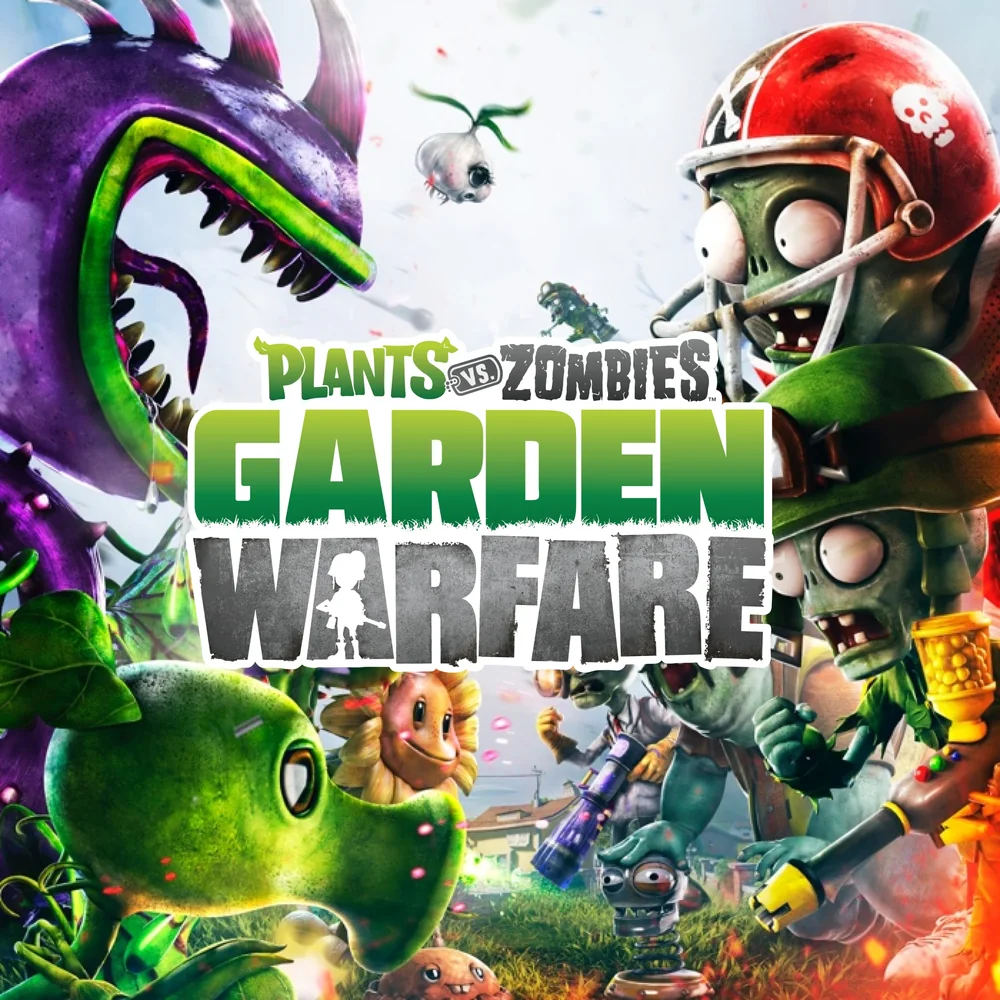
EA official Plants vs Zombies Garden Warfare key art with plants and zombies facing off

A Safer Garden Warfare RPCS3 Check

1. Identify

Confirm that you mean Garden Warfare 1

Garden Warfare, Garden Warfare 2, Battle for Neighborville, and the classic tower-defense game are different products. Start with the EA page and your own disc or digital entitlement so you do not apply a PS3 emulator guide to the wrong game.

2. Verify

Read the RPCS3 compatibility record before changing settings

The official RPCS3 compatibility page is the first checkpoint. A record marked Nothing or otherwise not playable is a reason to stop expecting a normal play session; it is not a prompt to download a random patch, DLL, or preconfigured build.

3. Separate

Treat EA servers and offline emulation as different tests

Successful boot, local menus, Garden Ops, and EA matchmaking are separate claims. EA's service-update list now gives the server answer for the PS3 version: online service was retired on April 28, 2026. RPCS3 cannot turn that retired service into a supported online route.

4. Record

Keep a clean log of the emulator, driver, and result

Record the RPCS3 build, operating system, GPU driver, game region, input method, and exact error. If the game fails, keep the log and a clean backup rather than cycling through unverified configuration packs.

What the official sources actually confirm

EA's Garden Warfare page confirms the game's identity and provides official key art and gameplay material. EA's service-update list records Plants vs. Zombies Garden Warfare for PlayStation 3 on April 28, 2026, which is the decisive online-service boundary. The RPCS3 compatibility record is separate emulator evidence, and its current Nothing result does not support a confident claim that the game is playable in RPCS3.

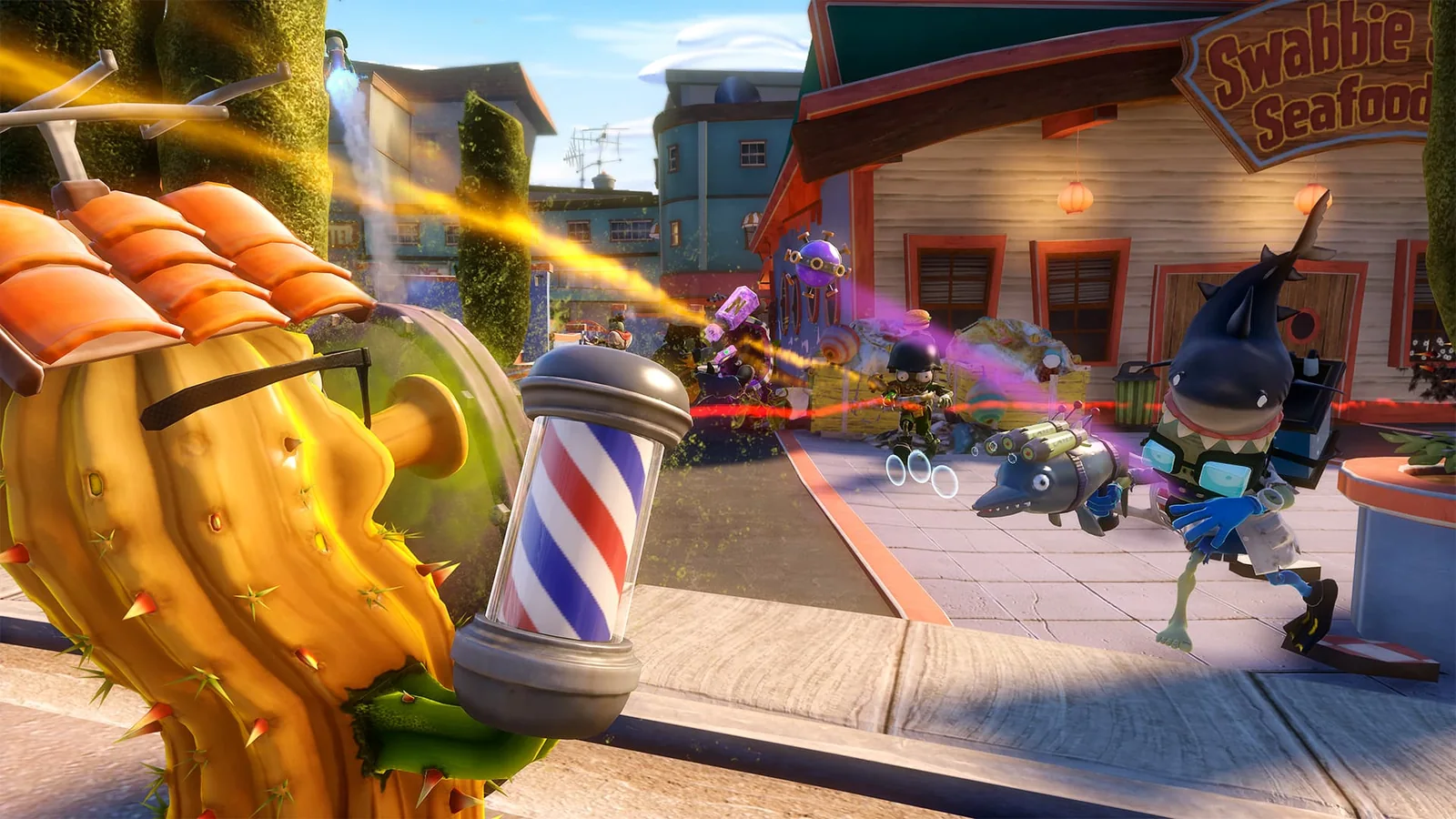
EA official Garden Warfare gameplay screenshot showing plants and zombies fighting in a town

Can RPCS3 connect to EA servers?

For the PS3 version, the answer is no longer a setup question: EA lists the Garden Warfare PS3 service retirement date as April 28, 2026. RPCS3 cannot restore a retired EA service. RPCN is also not a synonym for EA's servers, and neither system should be described as a supported online replacement. The remaining RPCS3 question is local compatibility, not EA matchmaking.

Claim What can be said safely
RPCS3 starts A boot result alone does not prove playable gameplay.
Menus appear Menus do not prove local modes, saves, or matchmaking.
Garden Ops works That still does not prove EA public servers work.
EA servers work PS3 EA service retired April 28, 2026.
RPCN works RPCN and EA online services are separate systems.
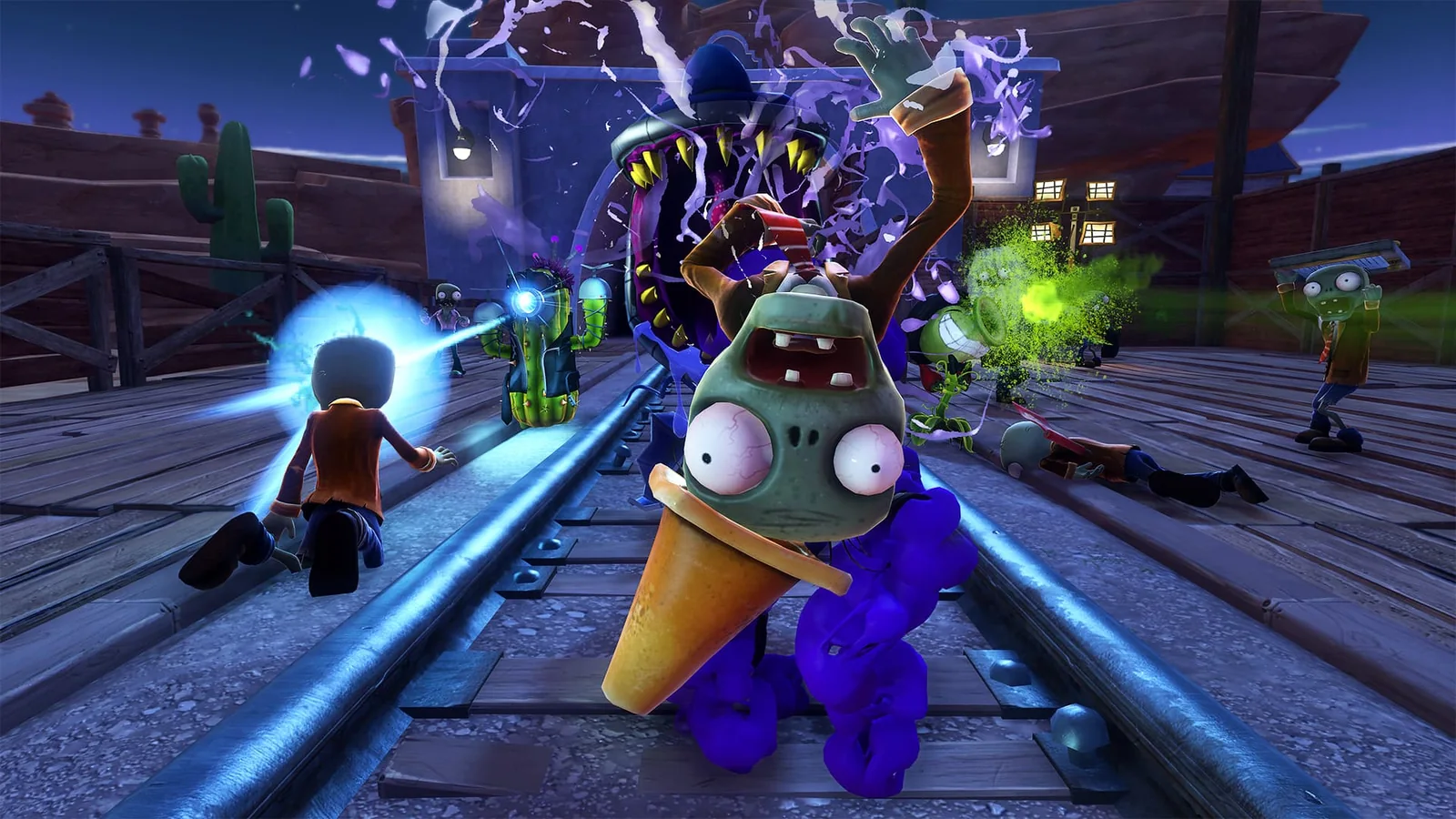
EA official nighttime Garden Warfare gameplay screenshot with plants and zombies on a track

What may work offline, and what still needs proof

Offline testing should be narrow and honest. A user can check whether the emulator reaches a menu, loads a legal game dump, accepts input, renders a level, or saves a local result. Each step can fail independently. Garden Ops, local play, split-screen behavior, and campaign-like content should be reported only after the exact game build and mode are reproduced; the retired EA service means online matchmaking is not part of a valid modern test plan.

Test layer Record this result
Launch Does the title reach a menu without a crash?
Graphics Which renderer, driver, and visual errors appear?
Input Does a controller map without hidden remapping tools?
Local mode Which exact mode loads, if any?
Online Do not mark it working without a current reproducible server test.
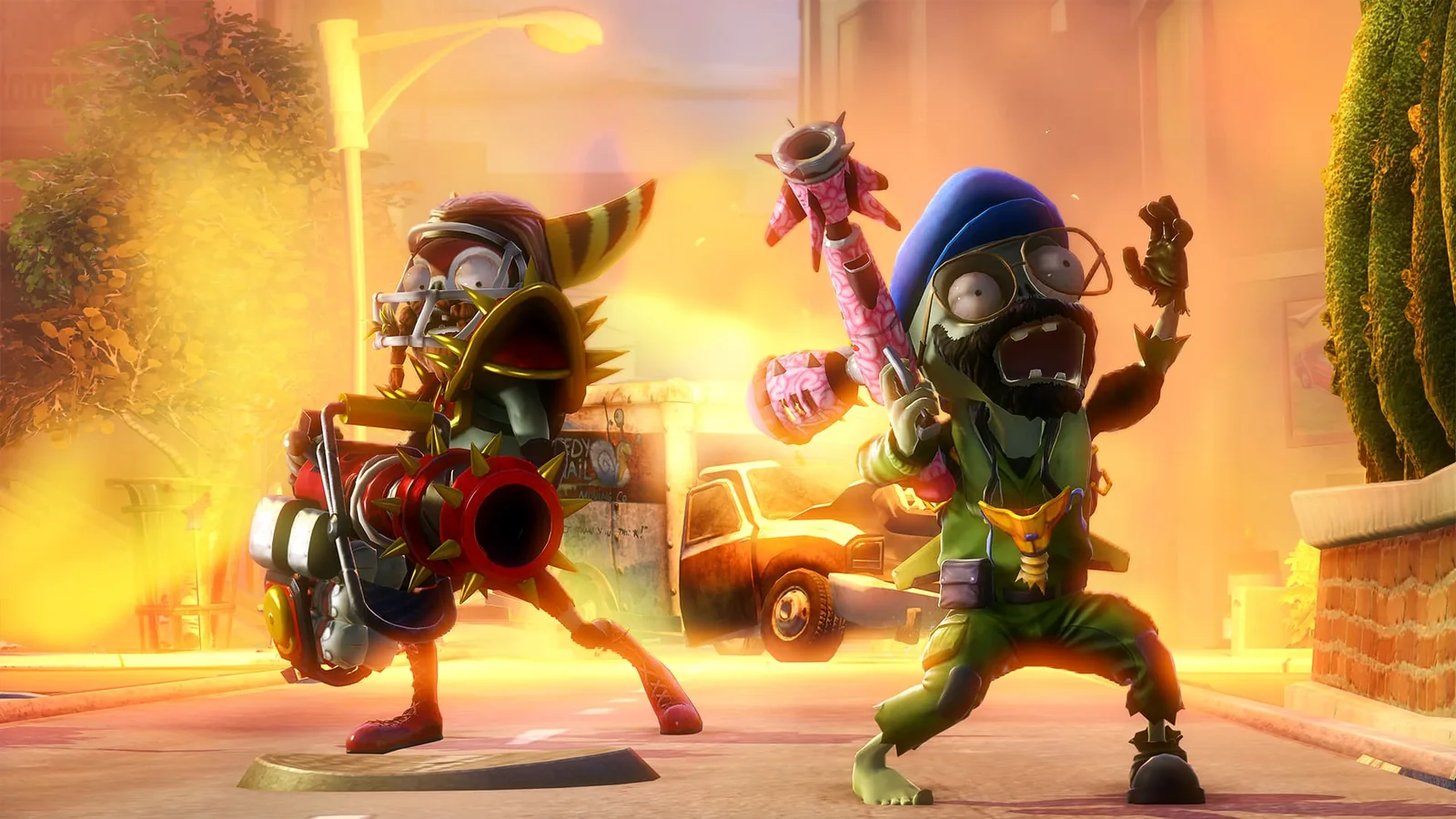
EA official Garden Warfare gameplay screenshot showing a zombie team in a bright street scene

Legal setup boundaries for RPCS3

Use the RPCS3 quickstart for the emulator itself and follow local law and the platform's rules for your own game and system files. This guide does not link to ROM sites, BIOS downloads, cracked executables, account bypasses, or repacks. A download page that hides the source of a preconfigured package cannot prove what was changed, so it is not a safer shortcut.

Troubleshooting without making the result less trustworthy

Start with one clean change at a time: verify the game files you legally own, use a supported GPU driver, record the renderer, and attach the RPCS3 log to a compatibility discussion when asking for help. Avoid replacing system DLLs, disabling security software, or downloading a bundled fix from a mirror. If a suggestion cannot be traced to an official RPCS3 document or a reproducible compatibility report, label it as community experimentation.

Why this is not an EA server workaround

The search phrase mentions EA servers because players want online play, but EA has already listed the PS3 service retirement on April 28, 2026. A responsible guide must not turn that demand into a bypass recipe. Do not spoof authentication, alter network traffic, use another person's account, or promise that a community patch restores a retired service. The useful answer is the boundary: investigate local compatibility only, and do not advertise an online workaround.

Garden Warfare RPCS3 FAQ

Can you play Garden Warfare on RPCS3?

The checked RPCS3 compatibility record currently shows Nothing, so this page cannot promise a playable setup. A future compatibility change would need a fresh record and reproducible testing; do not treat a video or a boot screen as proof.

Can RPCS3 connect to EA servers for Garden Warfare?

No. EA's service-update list records Plants vs. Zombies Garden Warfare for PlayStation 3 as retired on April 28, 2026. RPCS3 cannot restore that retired EA service, so only local compatibility is a meaningful remaining question.

Is Garden Warfare 1 the same as Garden Warfare 2?

No. They are separate shooter releases with different builds and platform histories. Use the Garden Warfare 2 guide for the sequel; do not transfer its compatibility result to the original game.

Can I play Garden Ops offline in RPCS3?

The search data shows interest in offline Garden Ops, but the current RPCS3 entry does not verify it. Test that exact mode only with a legal game copy and report the build, renderer, and result rather than assuming it works.

Where should I get RPCS3?

Use the official RPCS3 website and its Quickstart documentation. This page does not mirror an emulator installer and does not recommend preconfigured downloads from unknown sites.

Does this page provide a ROM, BIOS, or EA account workaround?

No. It provides compatibility context and safe troubleshooting boundaries only. It does not host game files, system files, account credentials, cracked executables, or instructions for bypassing EA authentication.